
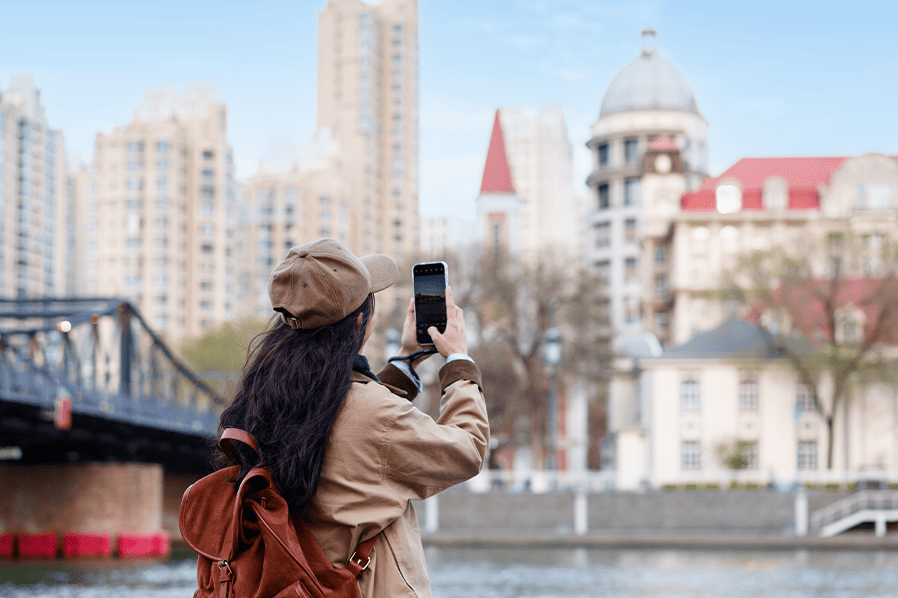
The mid-year break is just around the corner! Planning a healing getaway, a staycation, or even an overseas trip? Wherever the destination may be, preparing transaction and financial needs in advance can help ensure a smoother and more enjoyable vacation.
No need to worry. The myBCA app makes it easy to manage a wide range of transaction needs throughout the trip, all from the palm of a hand. From requesting a credit card limit increase, converting transactions into installments, and ordering foreign currency, to managing and blocking cards in unexpected situations, everything can be done conveniently through myBCA’s features.
Here are some myBCA features to make the most of before and during a trip.
1. BCA Credit Card Limit Request
Before setting off on a vacation, it’s a good idea to ensure that the BCA Credit Card limit is sufficient to support spending needs throughout the trip. Through the Limit Request feature in the myBCA app, a limit adjustment can be requested quickly and conveniently.
This feature helps provide greater flexibility for various vacation expenses, from booking accommodation and purchasing travel tickets to covering other travel-related costs. With an adequate credit card limit, transactions can be carried out more smoothly without concerns about declines due to insufficient available credit.
2. Convert Transactions to Installments
Here’s a solution to help ensure that holiday expenses, such as transportation, accommodation, travel essentials, souvenirs, additional itinerary items, and even unexpected costs, don’t cause monthly expenses to soar.
To help keep cash flow stable after a vacation, BCA Credit Card transactions can be converted into installments through the Convert to Installments feature in myBCA. With this feature, vacation expenses become more manageable, while spending can be planned more effectively. The installment interest rates are also competitive, and the installment term can be selected according to individual needs.
3. Poket Valas for Overseas Transactions
For those planning a vacation abroad, Poket Valas on myBCA is the perfect solution for international transactions.
With a single BCA account as the main account, there are up to 18 foreign currencies that can be held and used for payments and cash withdrawals at overseas ATMs using a BCA Mastercard Debit Card.
There’s no need to worry about carrying large amounts of cash or searching for a money changer. Foreign currency transactions can be managed more conveniently through the Poket Valas feature in the myBCA app.
4. Travel Insurance for Protection During the Trip
Enhance a vacation with additional protection. Through the Protection feature on myBCA, travel insurance can be purchased to help provide coverage against various risks during a trip. These include trip cancellations or delays, lost or delayed baggage, personal accidents, and emergency medical expenses.
Enjoy a more comfortable and worry-free vacation with greater peace of mind throughout the journey.
5. Manage and Block Cards Directly Through the App
When traveling, transaction security is also important to consider. With myBCA, International Transactions, Contactless Transactions, and Set Limits feature for BCA Debit and Credit Cards can all be managed in one app.
If a card is lost or an unexpected situation occurs during a vacation, the card can be blocked immediately through myBCA. This card control and blocking feature helps provide greater security for every transaction.
BCA Debit and Credit Cards can also be used for public transportation payments abroad. Make sure International Transactions are enabled to ensure smoother payments when using public transportation overseas. Just tap and go!
6. 24/7 Help Center for Quick Solutions
If any transaction or banking issues arise during a vacation, Halo BCA can be contacted through the Help Center feature in myBCA with just an internet connection. This service is toll-free and available 24/7.
The feature can be accessed both domestically and internationally, making it easy to get assistance anytime throughout the trip.


