
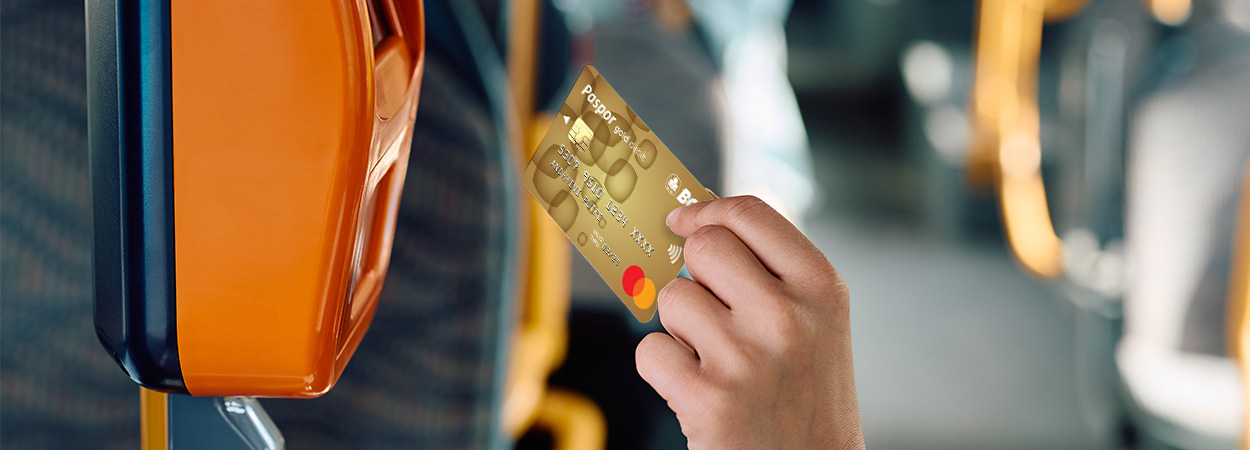
Hey, traveler! For those who often vacation abroad, public transportation such as the MRT in Singapore, the Metrolink in the United Kingdom, the MTR in Hong Kong, or Trams in Australia is often part of the journey, right? To avoid the hassle of buying tickets, just tap a BCA Credit or Debit Card. But have you ever had a card rejected when trying to tap it at the gate? Oh no that’s panic-inducing, especially when in a hurry.
But don’t worry, here we will explain how to use your BCA Credit or Debit Card for contactless public transportation transactions abroad. So, specifically for contactless transactions at public transportation merchants abroad (such as the MRT in Singapore, the Metrolink in the United Kingdom, the MTR in Hong Kong, or Trams in Australia), you don’t need to worry about checking whether the contactless feature is active or ON in myBCA!
There is only ONE thing to make sure:
The International Transaction feature must be set to Active/ON.
In addition, you can also use the myBCA feature to manage your BCA Credit or Debit Card, such as:
- Card Transaction Control: Enable or disable features such as domestic or international transactions, contactless, e-commerce, and others.
- Set Limits: Set limits for contactless without PIN Credit Cards or Debit Cards, Debit Card Cash Withdrawal Limits, Limits for Transfers Between BCA accounts, and others.
- Block Cards: Immediately block your BCA Credit or Debit Card through myBCA if it is lost or stolen.
By activating the International Transaction Feature on myBCA, your trip using public transportation abroad will be more convenient, with no more drama from failed taps at the gate. Just tap, beep… and go!
Hope these tips help, GoodFriends! Have a great trip!


