
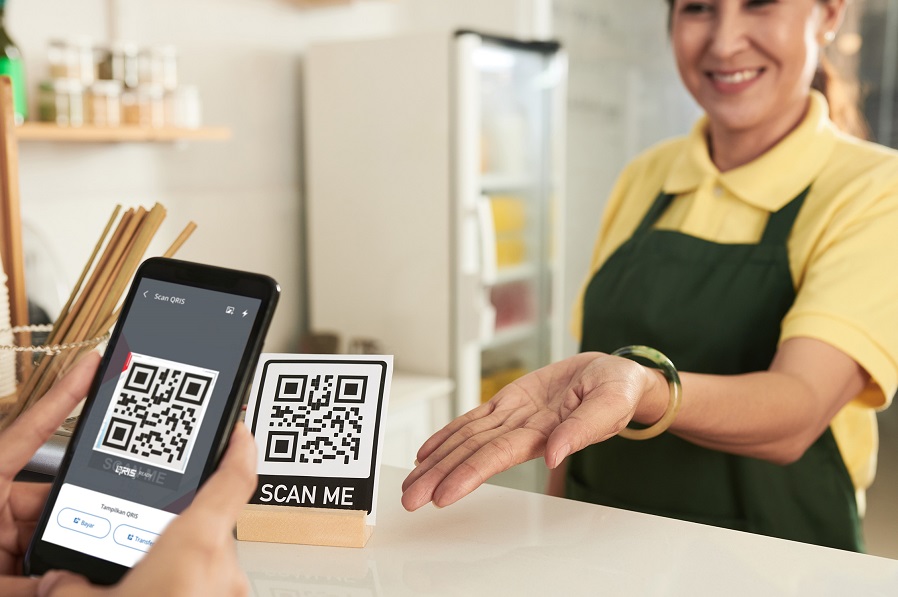
QR payment is a reliable payment used for various types of transactions. Many merchants accept payments through this payment system.
QR feature expansion has been implemented in countries such as Singapore, Malaysia, Thailand, Japan, South Korea and China. Therefore, you can use the Cross-Border QR to make transactions through the myBCA application in these countries.
To learn more about how to use QR for overseas transactions, read the following explanation:
Cross-Border QR for Overseas Transactions
You can pay overseas transactions directly using QR in Rupiah currency. You don’t need to convert the transaction amount to Rupiah because it is automatically converted based on BCA’s competitive Reuters exchange rate.
Payments made through BCA QRIS feature abroad are accepted by merchants with a partner bank logo.
Which Countries Accept Cross-Border QR?
Here are some countries where you can use this payment method.
| Country | Partner |
|
Thailand |
Bangkok Bank (BBL) |
|
Siam Commercial Bank (SCB) |
|
|
CIMB Thai Bank |
|
|
Bank of Ayudhya (BAY) |
|
|
Kasikorn Bank (KBANK) |
|
|
Krung Thai Bank (KTB) |
|
|
Cross Border QR Payment |
|
|
Malaysia |
Ambank Malaysia Berhad |
|
Bank Islam Malaysia Berhad |
|
|
Axiata Digital eCode Sdn Bhd (Boost) |
|
|
CIMB Bank Berhad |
|
|
Fave Asia Technologies Sdn Bhd |
|
|
Finexus Cards Sdn Bhd |
|
|
Hong Leong Bank Berhad |
|
|
Maybank Berhad |
|
|
OCBC Bank Berhad |
|
|
Public Bank Berhad |
|
|
Razer Merchant Services Sdn Bhd |
|
|
TNG Digital Sdn Bhd |
|
|
United Overseas Bank Berhad |
|
|
GHL Cardpay Sdn Bhd (GHL) |
|
|
DuitNow |
|
|
Singapore |
Network for Electronic Transfers Singapore, Ltd (NETS SG) |
|
SGQR + NETS |
|
|
Japan |
Netstars |
|
JPQR GLOBAL |
|
|
South Korea |
Jeju Pay |
|
SeoulPay |
|
|
ZeroPay |
|
|
China |
Alipay |
|
UnionPay |
How to Use Cross-Border QRIS via myBCA App
The process for making transactions using Cross-Border QR is the same as that of QR in general, which involves scanning the merchant’s QR code. Make sure international transactions are active so you can do transactions abroad.
- Log in to myBCA
- Select QRIS
- Scan the QRIS code available at the merchant
- Select the fund source account, or Paylater, and enter/confirm the payable amount, then click Continue
- Make sure the merchant name and transaction amount are correct, and click Continue
- Enter your PIN
- Transaction is successful
Traveling abroad is now easier with Cross-Border QR transactions through myBCA. Download the myBCA app from the Play Store or App Store for more transaction conveniences!


