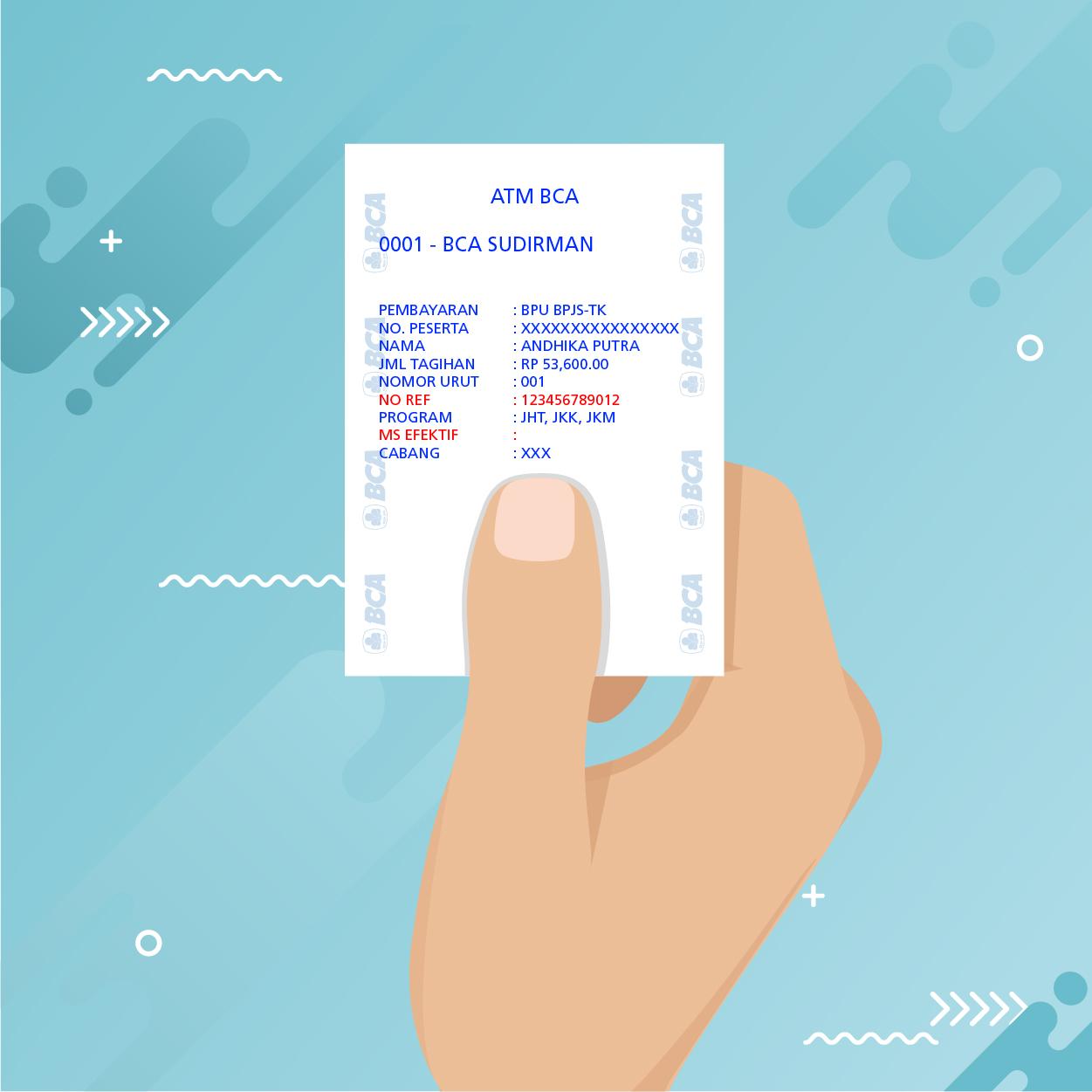
*Update: 20 November 2024
Do you pay your BPJS Ketenagakerjaan yourself? If yes, then you belong to the Non-Waged Workers (BPU).
What is the Non-Waged Workers (BPU)? BPU is every person who works and earns income by conducting individual activities or businesses. Well, this is a solution for a BPU to pay BPJS Ketenagakerjaan. You can pay the premiums within the comfort of your house.
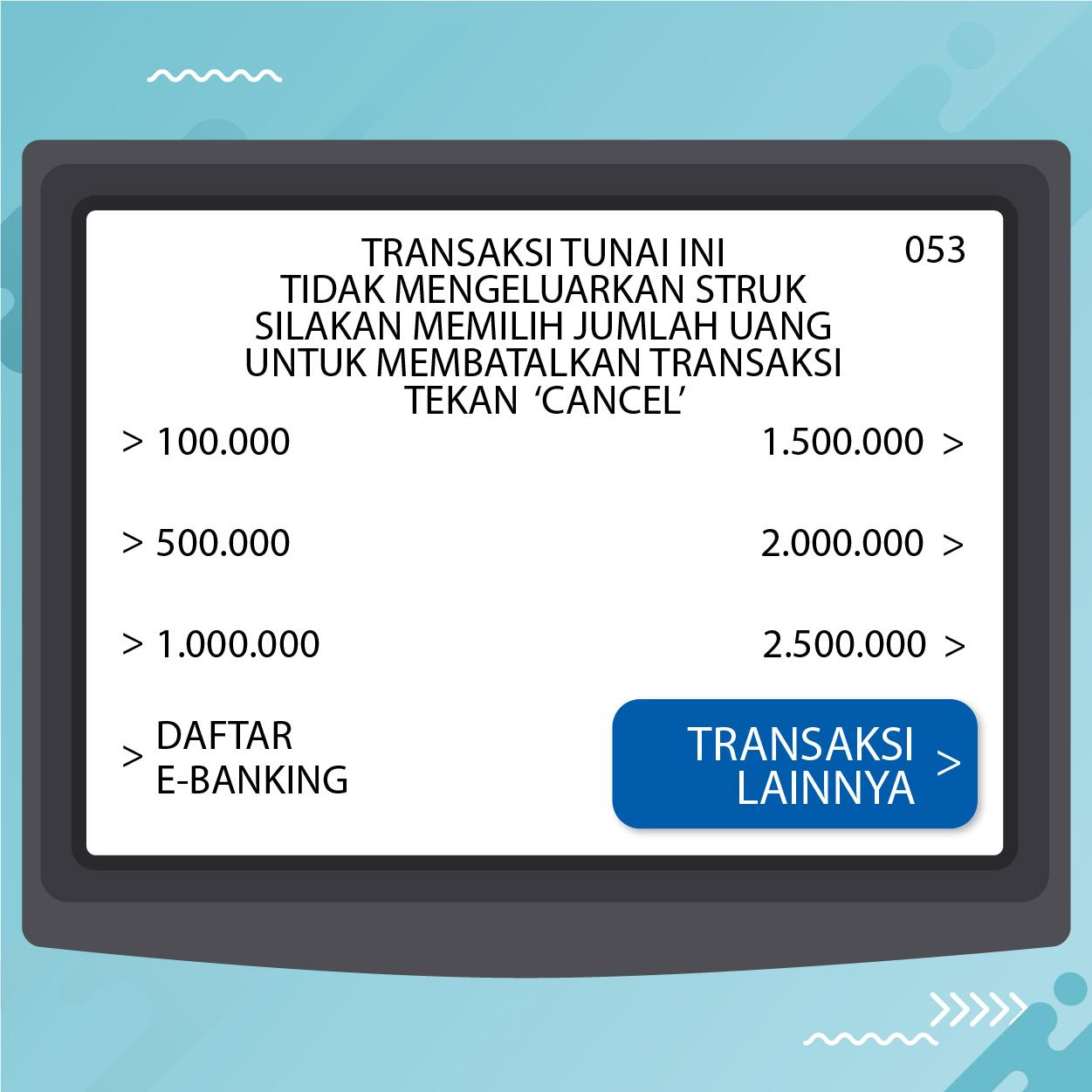
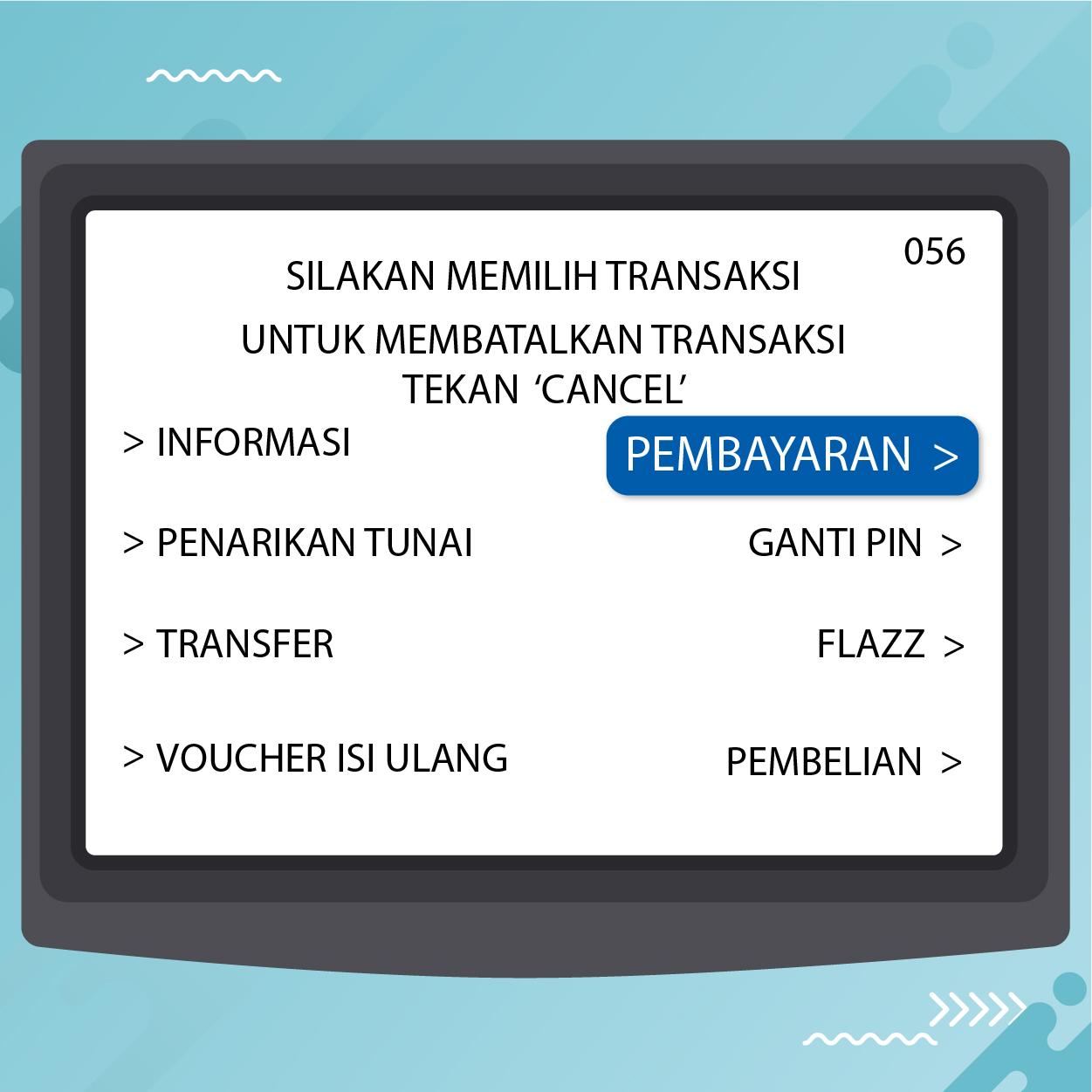
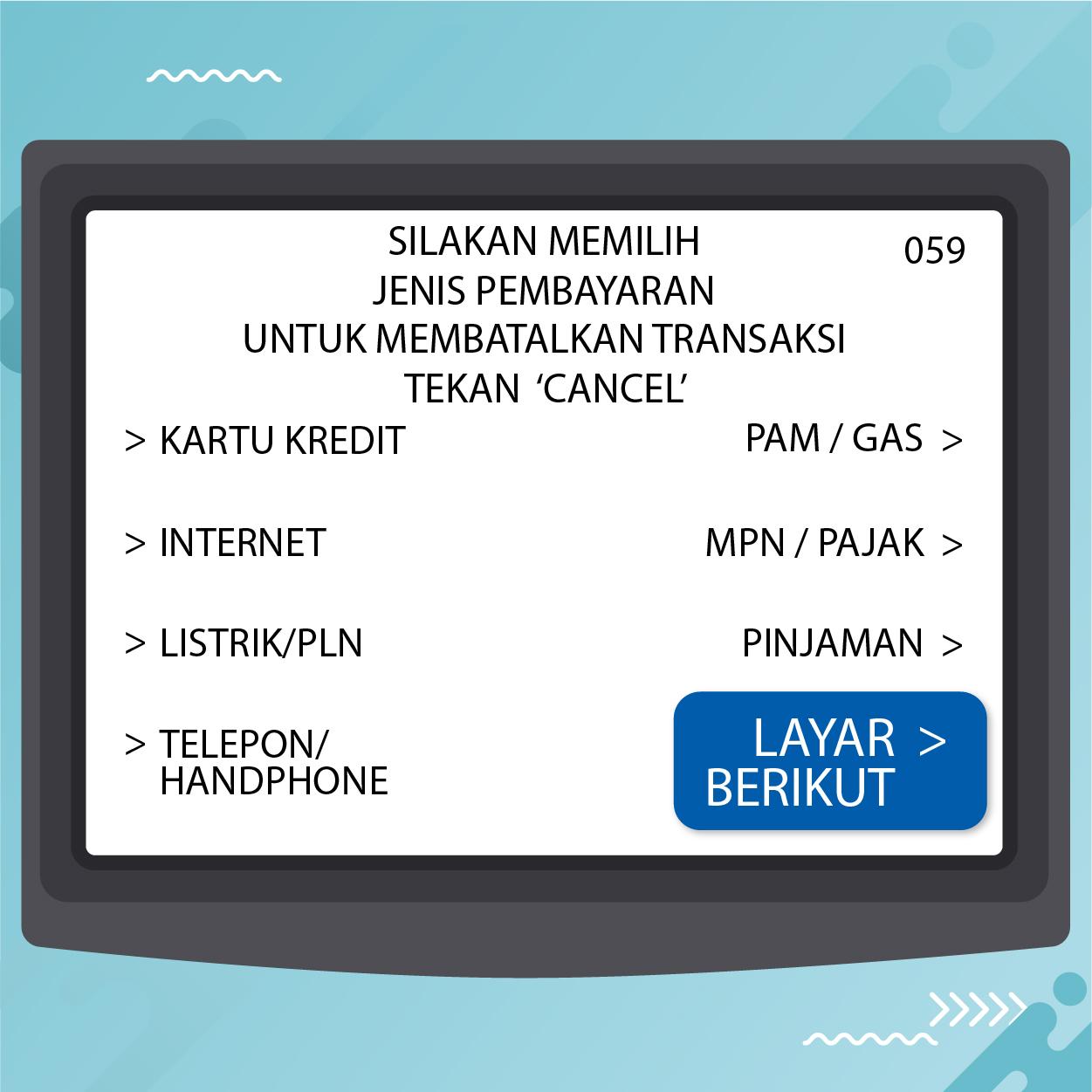
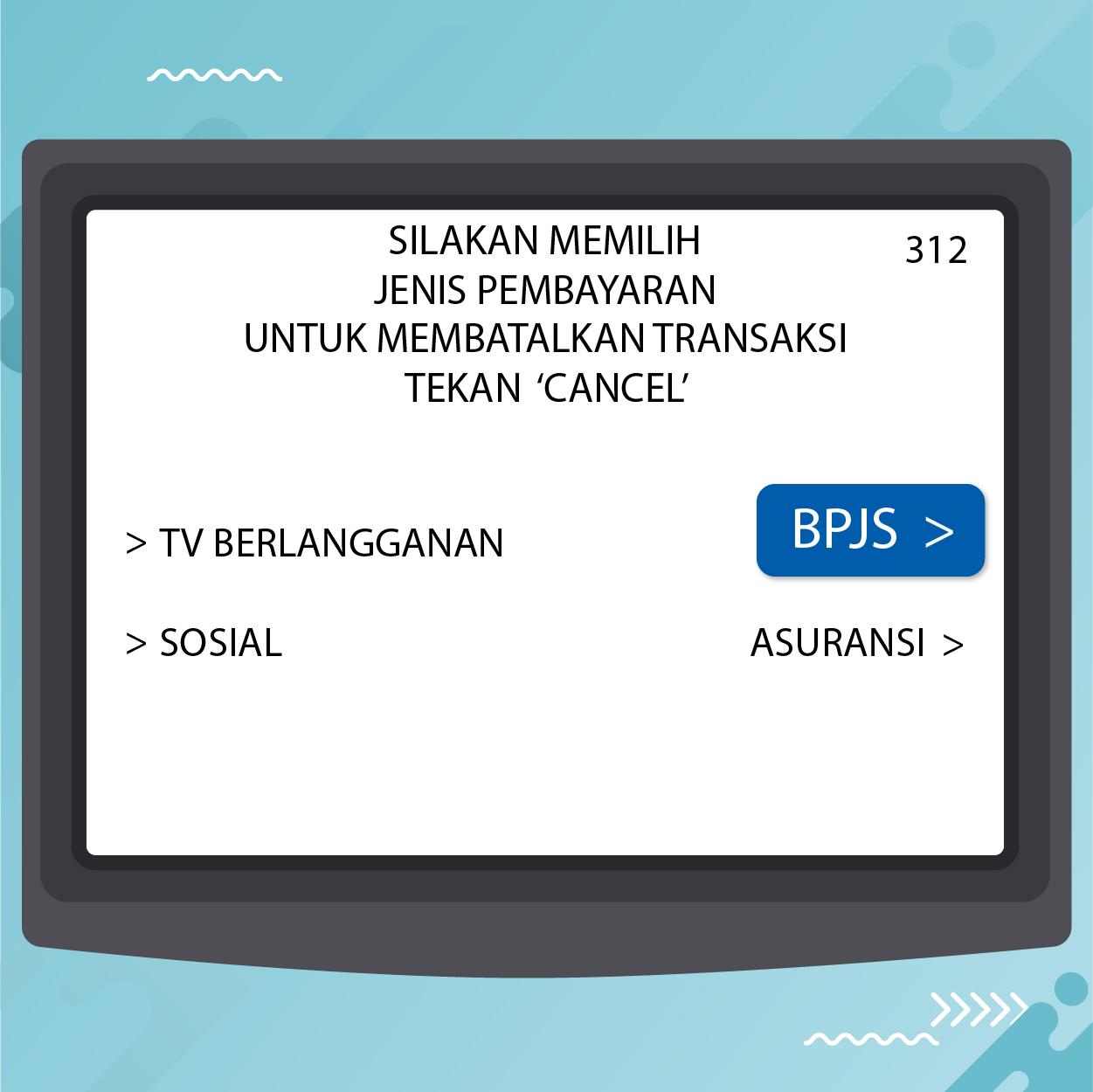
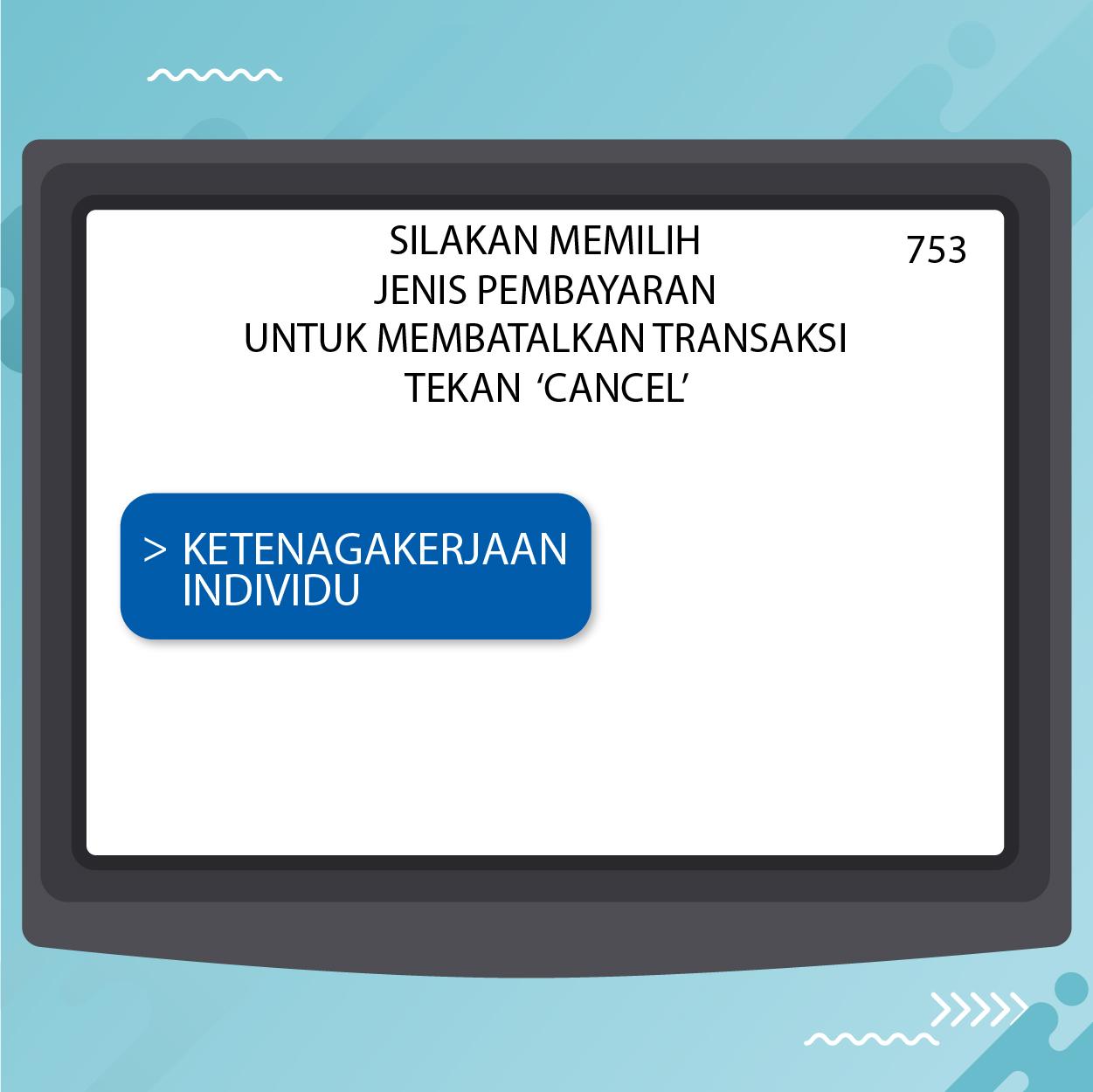
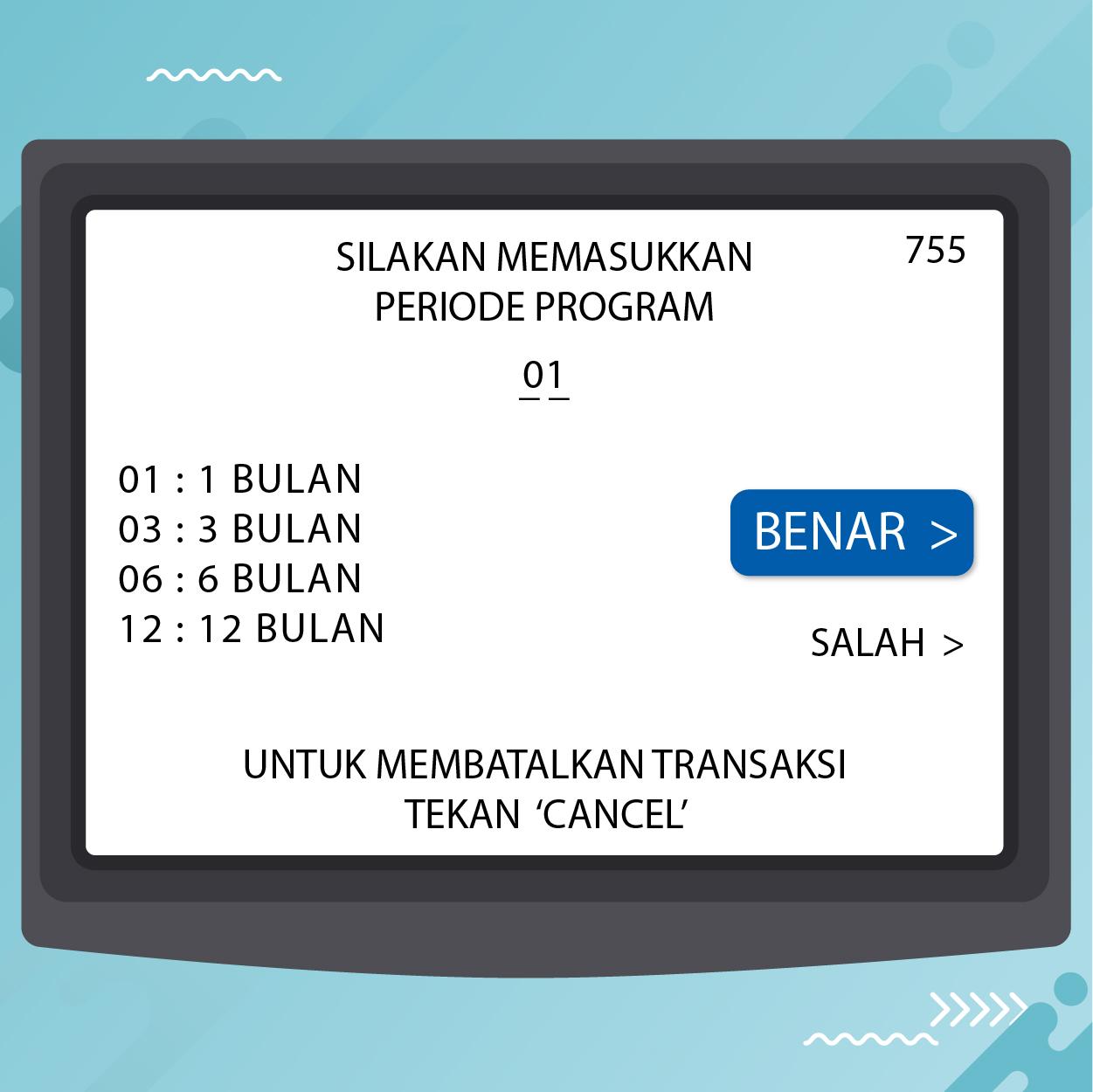
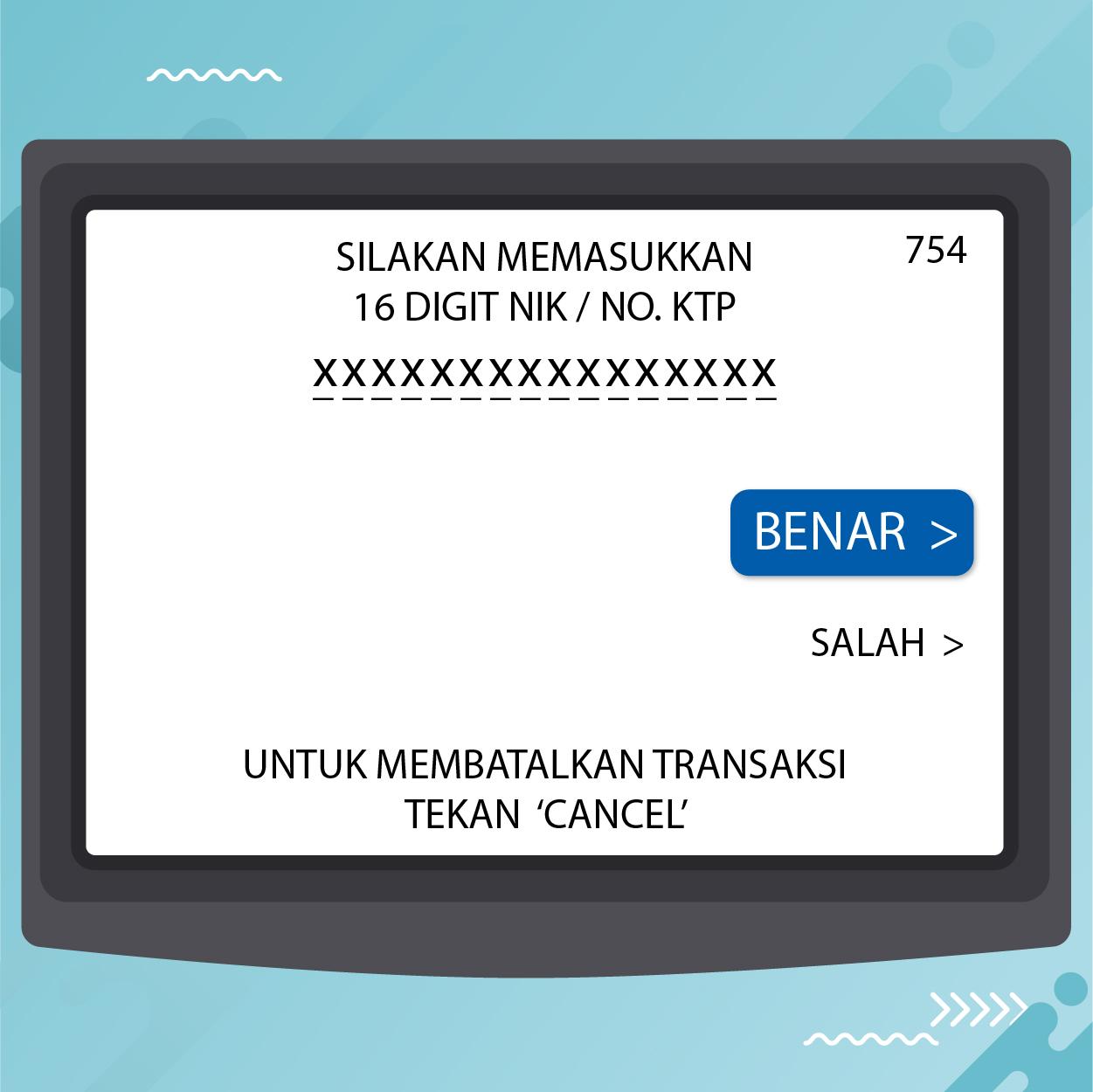
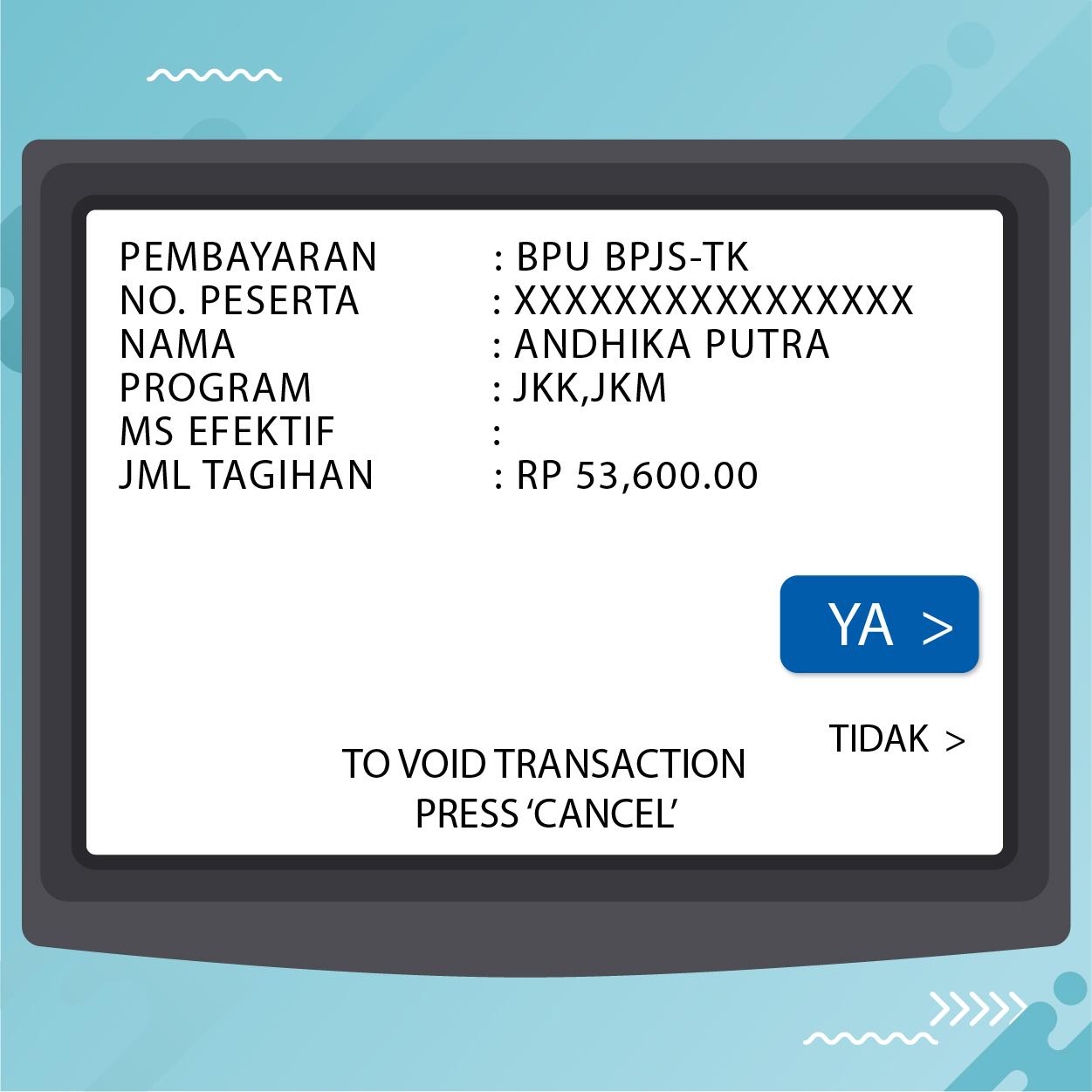
Do you want to learn how? Here are the steps to pay BPJS Ketenagakerjaan
- Select the “m-Payment” menu
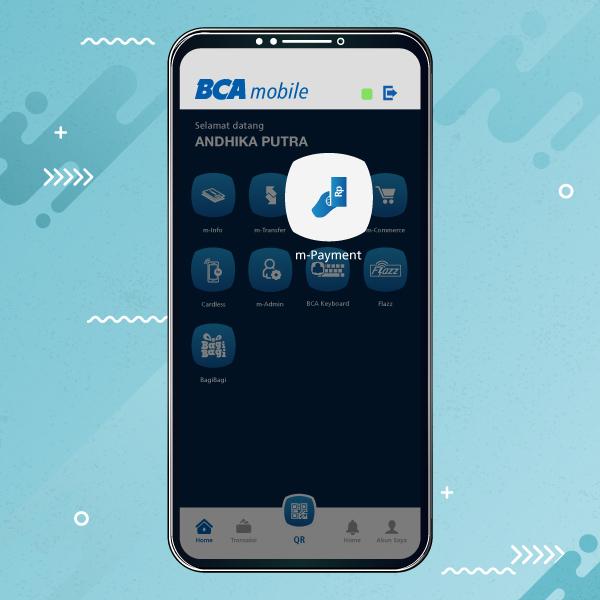
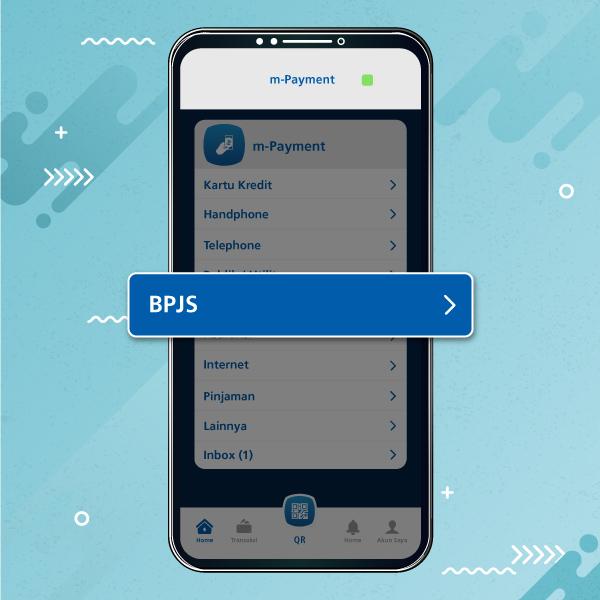
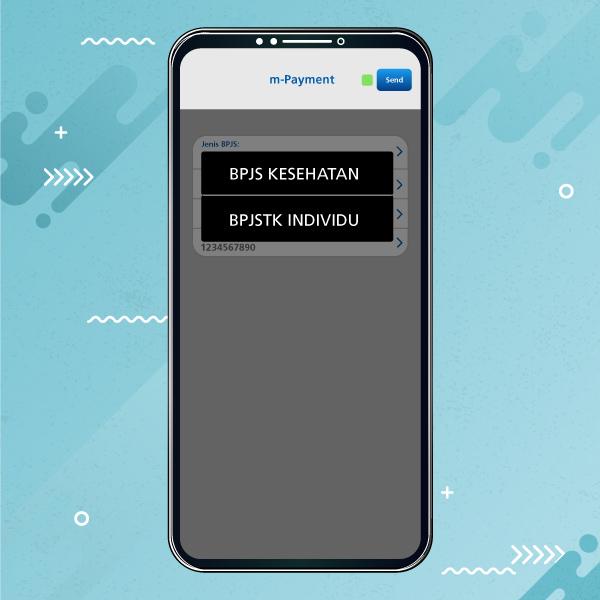
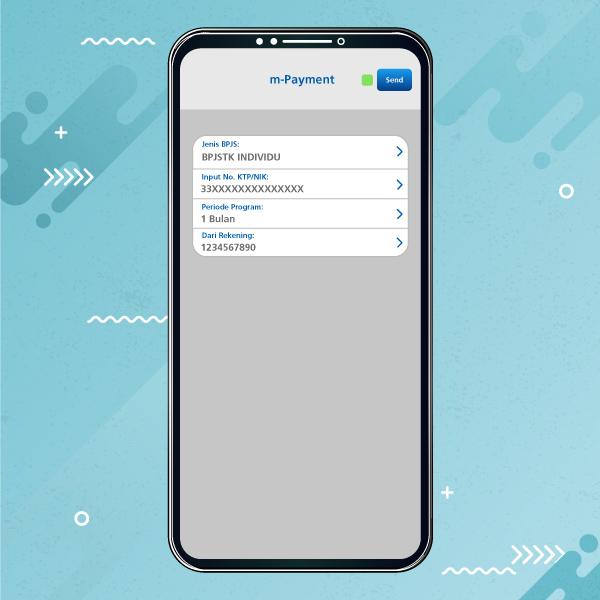
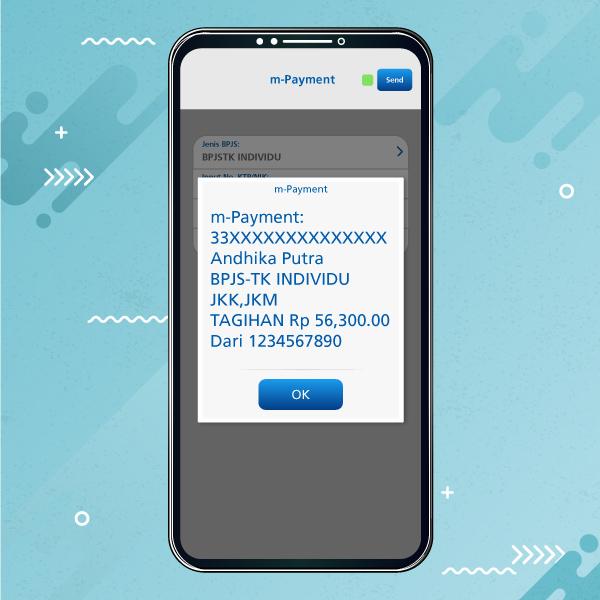
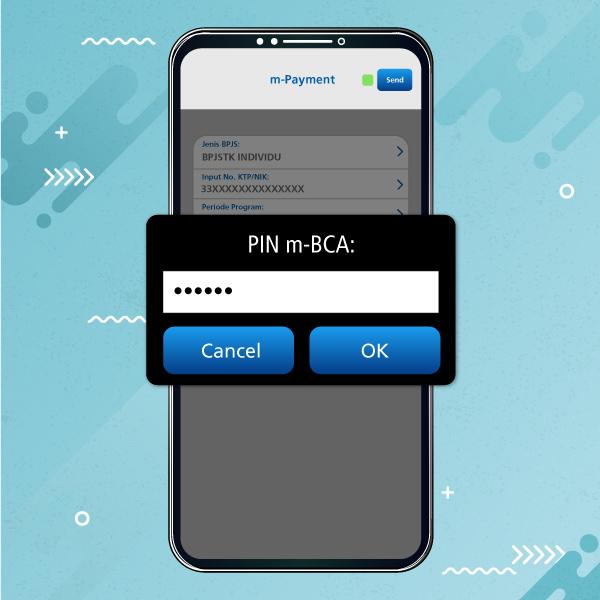
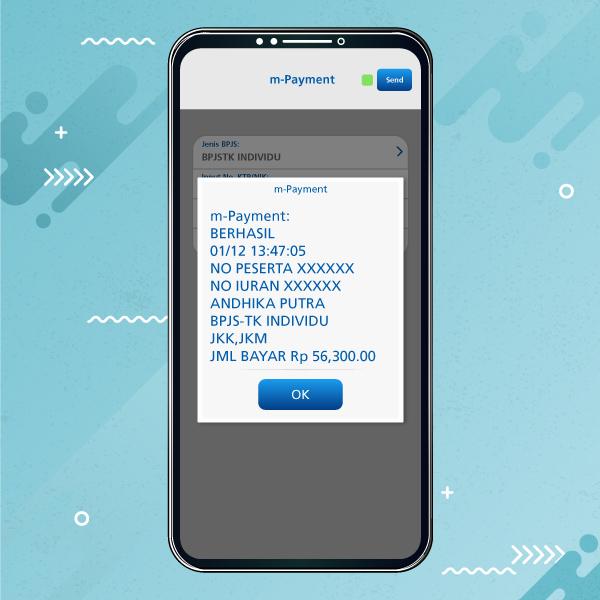
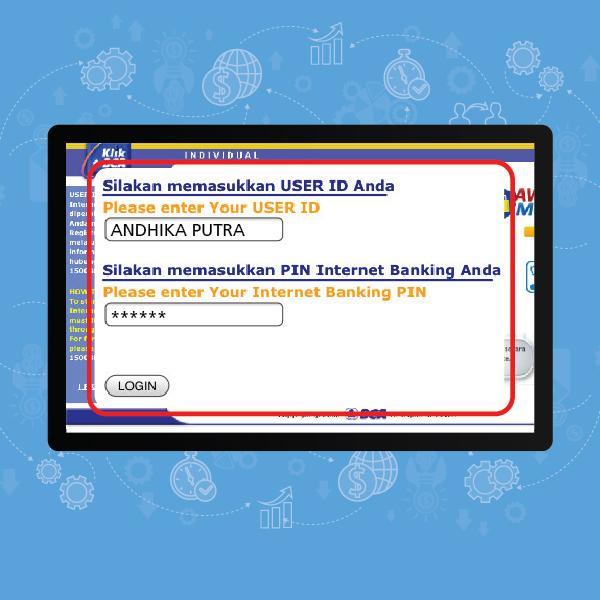
- Log in to KlikBCA
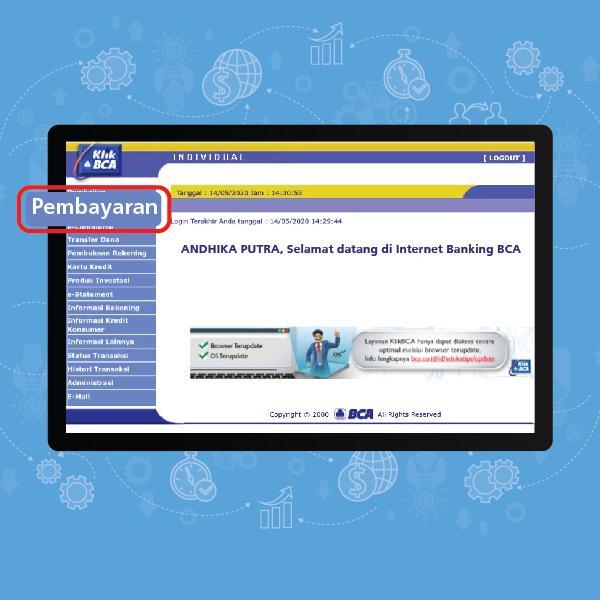
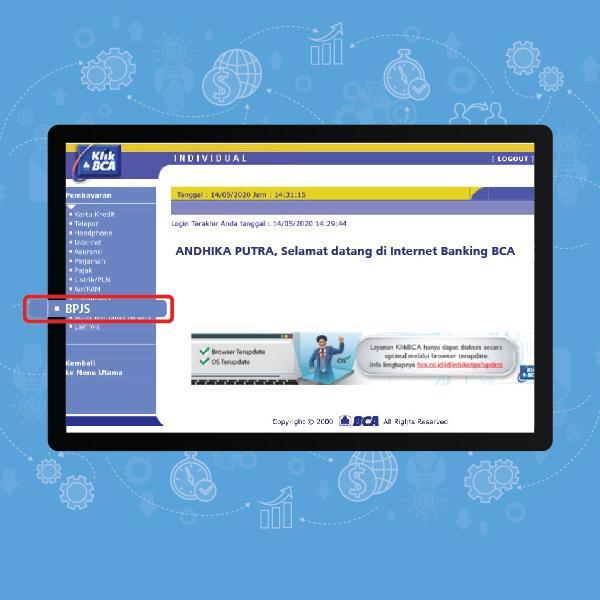
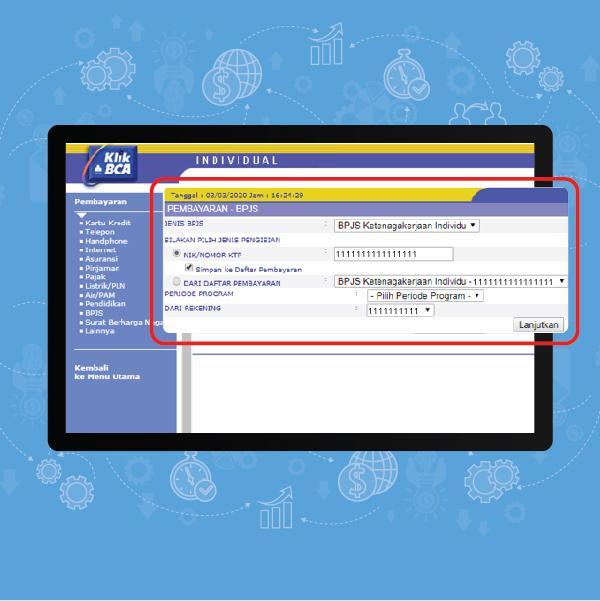
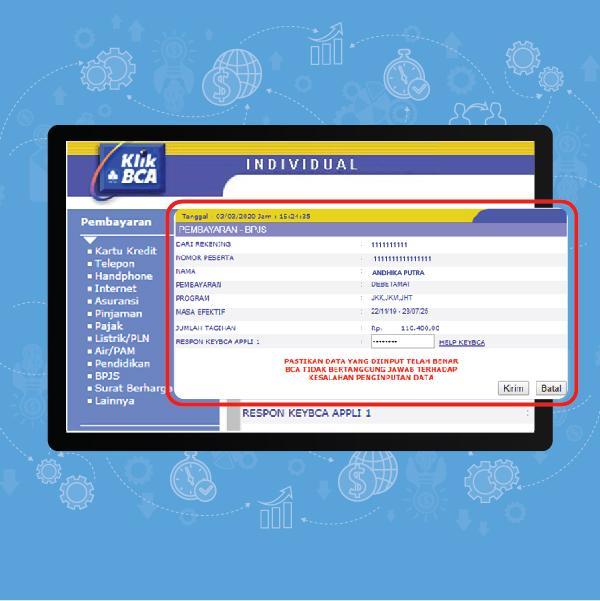
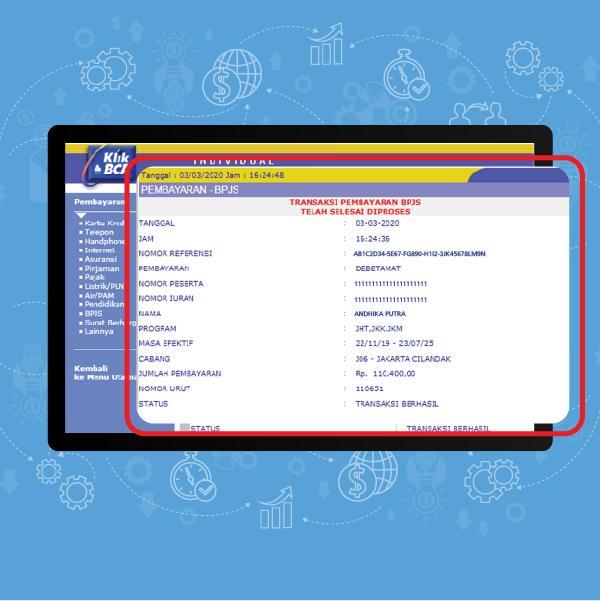
- Select the “Transaksi Lainnya” menu