
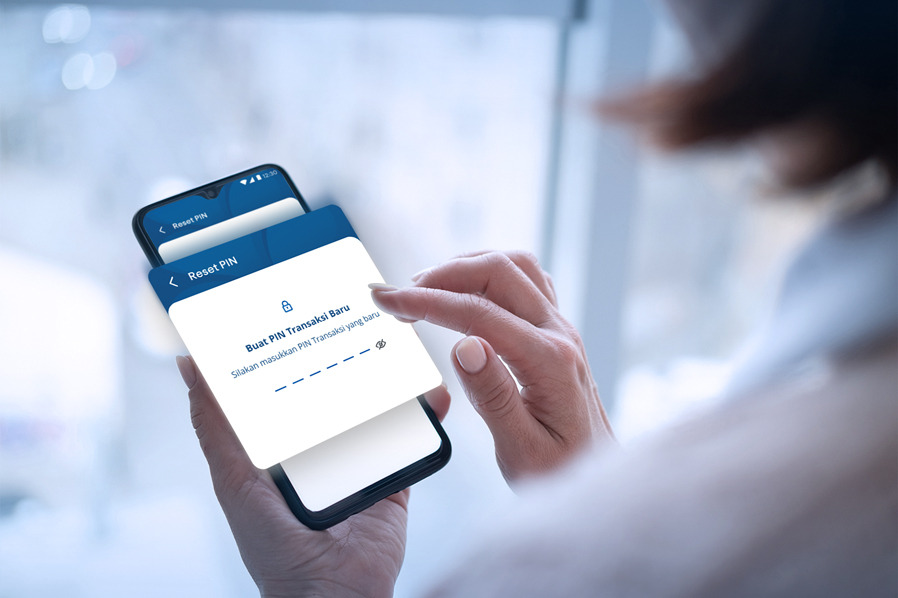
Sometimes, being unfocused or in a rush during banking transactions can lead to making mistakes when entering your transaction PIN. Entering the wrong PIN multiple times while using the myBCA app can cause your BCA ID PIN to be blocked!
If this happens, don’t panic. Simply reset your BCA ID PIN so you can continue transacting through the myBCA app.
How to Reset BCA ID Pin on myBCA App
- Contact Halo BCA to request the unblocking of your PIN. You can reach Halo BCA through the Help Center in the myBCA app, via the haloBCA app, or by calling 1500888.
- Log in to the myBCA app
- A screen to Create a New PIN will pop up
- Confirm your new PIN
- Select the mobile number to receive the OTP
- Enter the OTP code sent to your phone number
- PIN reset successful!
After resetting your BCA ID PIN, you can use your myBCA app for banking transactions as usual.
Aside from using myBCA app, you can also reset your PIN via the haloBCA app.
Always remember to keep the confidentiality of your personal banking data such as your password, PIN, ATM card number, OTP code, and CVV code.
For further information on solutions if you forget your BCA ID password, check here.


