
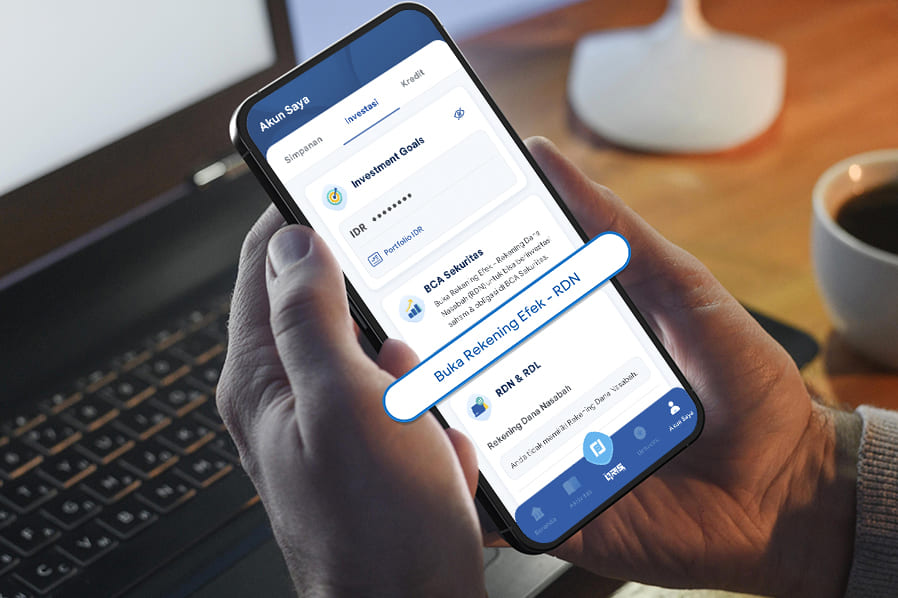
In capital market investment activities such as stocks, a separate account known as a Securities Account and Customer Fund Account (RDN) is required. BCA Customers who wish to invest in stocks through BCA Sekuritas must have a Securities Account and Customer Fund Account (RDN) to carry out their investment activities.
However, investors who are new to the capital market are often unaware of this, including how to open a Securities Account and Customer Fund Account (RDN). To address this need, opening a Securities Account and Customer Fund Account (RDN) with BCA Sekuritas can now be done easily and conveniently through myBCA.
Want to start investing in stocks and open a Securities Account and Customer Fund Account (RDN)? Check out how to open it on myBCA below.
How to Open a Securities Account – RDN BCA Sekuritas via myBCA App
- Log in to myBCA app
- Select My Account menu, then select Investment tab
- Select Open Securities Account – RDN in the BCA Sekuritas sub-menu
- Review the Product Information Summary, check the statement to agree, then click “Lanjut”
- Select your BCA Account Number for withdrawing funds from RDN
- Review and check all displayed consent statements
- Enter your myBCA PIN, then click “Lanjut”
- Register your BCA Sekuritas account by following the instructions to complete the required information to open a Securities Account – RDN. Your BCA Sekuritas username and password will be used to access the BCA Sekuritas app.
- Review and complete all required data as instructed
- Confirm the data and agree to the BCA Sekuritas Securities Account Opening Agreement, then click “Lanjut”
- Your account opening request will proceed to verification
For more information about Customer Fund Accounts (RDN), click here. With the Securities Account and RDN opening feature on myBCA, starting your investment journey with BCA Sekuritas is now seamless and convenient.
Take advantage of myBCA’s convenience and start investing with BCA Sekuritas today.


