
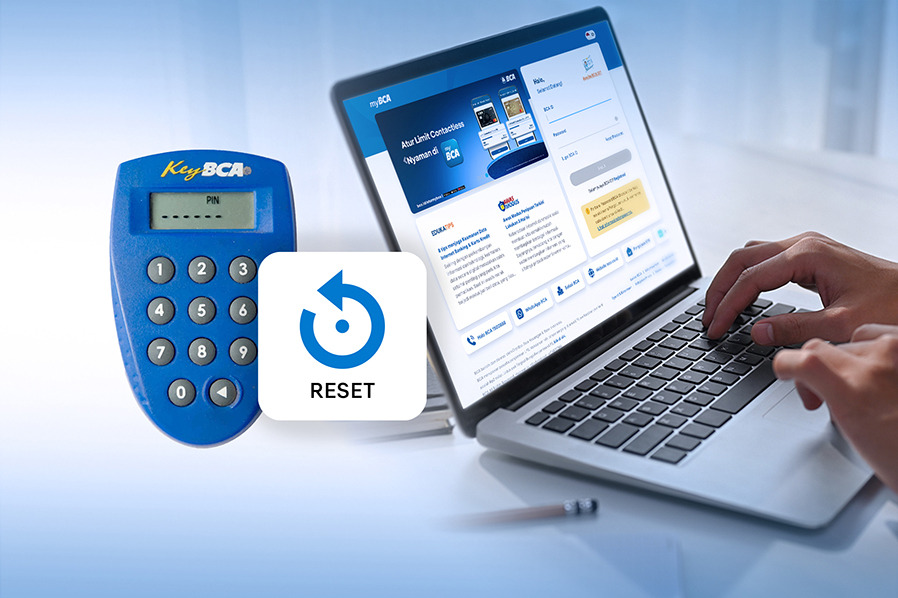
When making transactions on myBCA Web, you need to input the KeyBCA appli response to confirm the transaction. But if you repeatedly enter the wrong KeyBCA appli response, your KeyBCA connection will be blocked.
If this happens, don’t worry. You can reset your KeyBCA connection via myBCA Web.
How to Reset KeyBCA Connection on myBCA Web
- Contact Halo BCA to request the unblocking of your KeyBCA connection. You can reach Halo BCA through the Help Center feature in the myBCA app, via the haloBCA app, or by calling 1500888.
- Log in to myBCA Web at mybca.bca.co.id
- The Account Re-Verification screen will pop up
- Input KeyBCA Appli 1 Response
- Verification successful!
Once you’ve successfully reset your KeyBCA connection, you can use myBCA Web for transactions again.
Always remember to keep the confidentiality of your personal banking data such as passwords, PINs, ATM card numbers, OTP codes, and CVV codes.
For further information on solutions if you forgot your BCA ID password, check here.


