Updated: 12 Feb. 2026
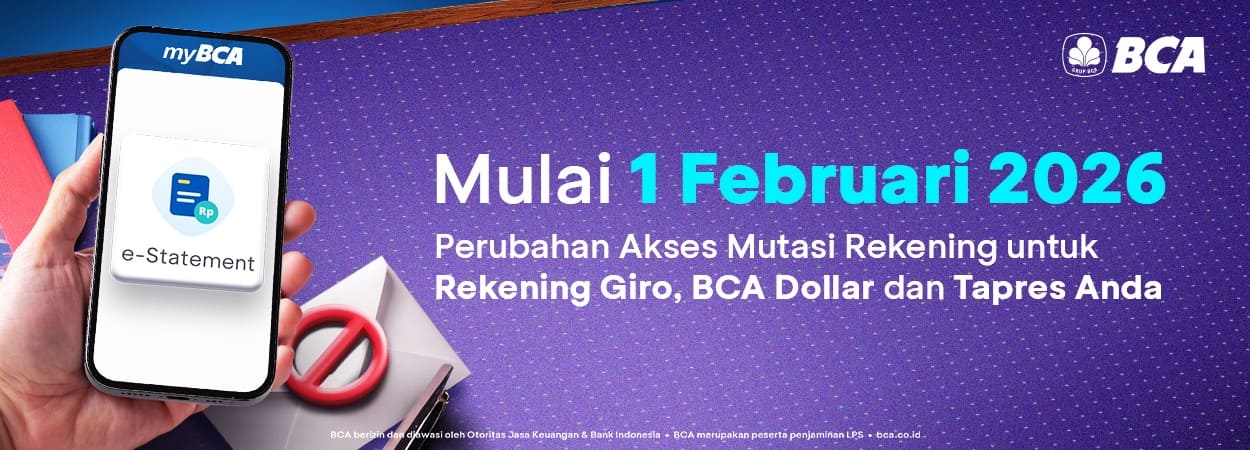
Effective February 1, 2026, BCA branch offices will no longer provide printed (physical) account statements for Individual Giro (Current Account), BCA Dollar, and Tapres products.
Customers can instead access account statements or transaction records in digital format through the e-Statement facility, available anytime and anywhere via myBCA and KlikBCA.
This initiative reflects BCA’s commitment to delivering banking services that are more efficient, environmentally friendly, and aligned with advancements in digital technology.
Optimize the use of the e-Statement facility on myBCA or KlikBCA to conveniently access your account transactions anytime and anywhere. Follow these simple steps to access and download e-Statements:
How to Download e-Statements via myBCA App
- Log in to myBCA using your BCA ID
- Select e-Statement (On the myBCA website, you can also go to My Account and select e-Statement)
- Select “Saving & Current Account”
- Choose the Account Number and e-Statement period you want to download
- On myBCA app, select “Show” and on myBCA website, select “Save”
- Save e-Statement to the preferred folder on your device.
How to Download e-Statement via myBCA Website
- Log in to myBCA using your BCA ID
- Open Transaction Record for the Account Number you want to view
- Select e-Statement button to the right of the “Search” field
- Choose the Account Number and e-Statement period you want to download
- Select “Show”
How to Download e-Statement via KlikBCA
- Log in using your KlikBCA User ID
- Select e-Statement menu
- Select Savings & Current Accounts
- Choose the Account Number and e-Statement period you want to download
- Select “Save”
- Save e-Statement to the preferred folder on your device
For more information about the features and services available on BCA’s e-Channels, please contact Halo BCA at 1500888 or via haloBCA app.