Dear Valued BCA Credit Card Customers,
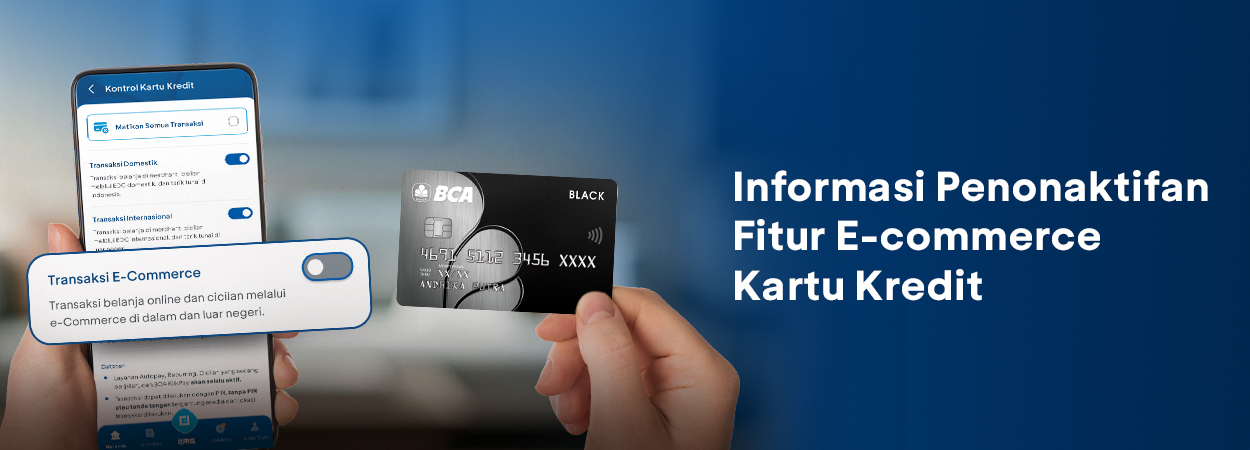
To enhance transaction security, BCA is committed to safeguarding the use of your BCA Credit Card. As part of this commitment, BCA has issued an official notification through its verified Bank BCA channels to certain customers regarding the deactivation of the E-commerce Feature on BCA Credit Cards for customers who have not made any e-commerce transactions in the last 12 months.
There is no need to worry. If you wish to make e-commerce transactions, you can easily reactivate the E-Commerce Feature by following these steps:
Activate E-commerce Features via myBCA
- Log in to myBCA.
- Select Settings in the upper-right corner
- Select Credit Card
- Select the Credit Card to be set up/controlled
- Select Credit Card Control
- Select the type of transaction to be activated or deactivated
- Review the confirmation screen. If everything is correct, enter your transaction PIN
- A notification will appear once Credit Card Control has been successfully updated
Activate E-commerce Feature via BCA mobile
- Log in to m-BCA, then select m-Admin
- Select “Kontrol Kartu Kredit” menu
- Select the Credit Card to be controlled, then tap “Kirim”
- Slide the toggle to the right until it turns green to activate transactions, or slide it to the left until it turns gray to discontinue transactions. Then tap “Kirim”
- Review the confirmation screen. If everything is correct, tap OK
- Enter your m-BCA PIN
- A confirmation message will appear once Credit Card Control has been successfully updated
For further information, please contact Halo BCA via the Help Center Menu in myBCA, the haloBCA application (without credit, using internet quota), or call 1500888 (without any prefix).