
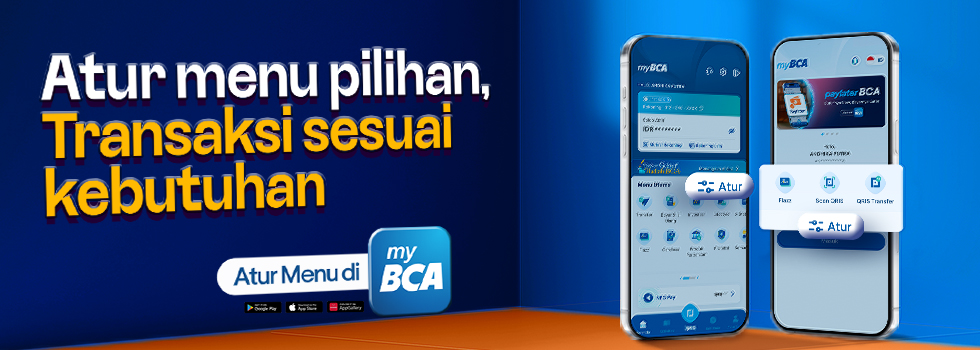
Transacting on myBCA is now even more convenient. BCA introduces two new features: Instant Access Settings and Main Menu Settings, to help you access your favorite transaction menus faster and more easily on the myBCA app. Check out the details below.
Instant Access Settings Feature
The Instant Access Settings feature allows you to set which transaction services you want to display in the Instant Access feature on myBCA Login page.
The Instant Access feature itself can be used from the front page of myBCA app, without having to log in first, or as a shortcut to access the transaction menus in myBCA.
There are two easy ways to Set Up Instant Access in myBCA app, as follows:
Main Menu Settings Feature
In addition to the Instant Access Settings feature on the Login page and Settings menu, you can also select transaction services in myBCA through the Main Menu Settings feature. You can select services such as Transfer, QRIS, Poket Valas, and others to appear directly on the app's home page.
Make your transactions more practical and personalized with two new features in myBCA app. Update your myBCA app to the latest version now and enjoy all the conveniences it offers.
For more information, contact Halo BCA via the haloBCA app, call 1500888, WhatsApp at 0811 1500 998, X (Twitter) @HaloBCA, or visit www.bca.co.id.

