
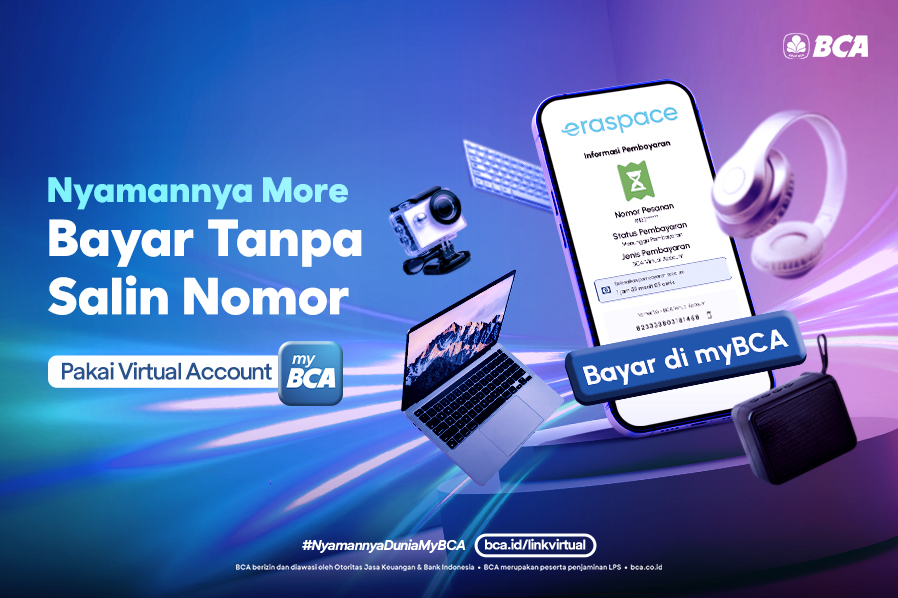
As a form of innovation in digital banking services, BCA Virtual Account now offers a more convenient shopping experience for all BCA customers.
Currently, the BCA Virtual Account feature with the pay button on myBCA when checking out can now be enjoyed at Eraspace. For BCA customers who want to shop for various electronic needs and gadgets, don't forget to pay using the BCA Virtual Account feature at Eraspace for a smooth and convenient transaction.
With the Virtual Account feature in myBCA, Customers can pay for purchases at Eraspace directly without needing to copy and paste the BCA Virtual Account number.
So, just click the “Pay at myBCA” button in the checkout menu on the Eraspace app, and your payment transaction will be completed faster and more conveniently because it will go directly to myBCA. How do you make a transaction? Just check out the following steps.
How to Use BCA Virtual Account at Eraspace
- On the Eraspace app or website, select Virtual Account as the payment method when checkout.
- Click the “Pay via myBCA” button.
- You will be redirected to myBCA.
- Log in with your password or biometric authentication (see how to enable biometric authentication)
- Review the transaction details and amount, then click “Continue.”
- Confirm the details again and click “Continue.”
- Enter your myBCA PIN.
- Done! Transaction is successful.
For more information about BCA Virtual Accounts and other BCA transaction services, please contact Halo BCA at 1500 888 or through haloBCA app.


