
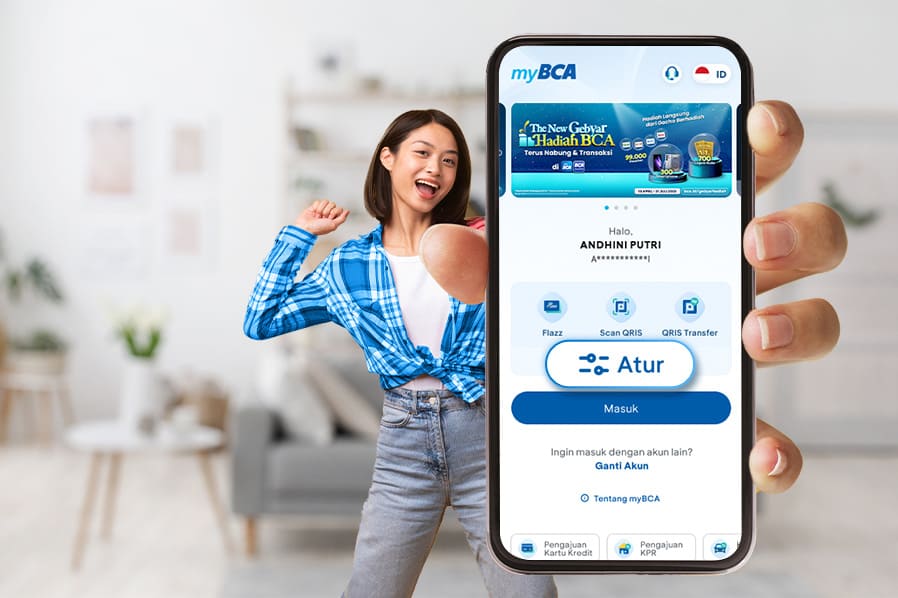
Make every transaction on myBCA quicker and more seamless with Instant Access and Home Screen customization. With these settings, you can choose which features appear on your Login screen and Home screen, tailored to your banking needs!
Ready to take control of your myBCA experience? Here’s how:
Set Up Instant Access: Your Favorite Transactions in One Tap
- Open myBCA
- Tap Edit on the Login screen
- Select 2 to 4 features you want quick access to
- Tap Save
- Done! Your Instant Access is ready.
Not just Instant Access you can also organize your favorite banking services on the myBCA Home screen for even easier navigation.
Customize Your myBCA Home Screen: Everything in One View
- Log in to myBCA
- Tap Edit on the Home screen
- Choose your favorite features, minimum 3, and drag & drop to arrange them in your preferred order
- Tap Save
- That’s it! Your Home screen is now personalized.
With these simple tweaks, managing transactions and payments on myBCA becomes effortless and lightning-fast.
Download myBCA now and experience the convenience of banking in one powerful app!


