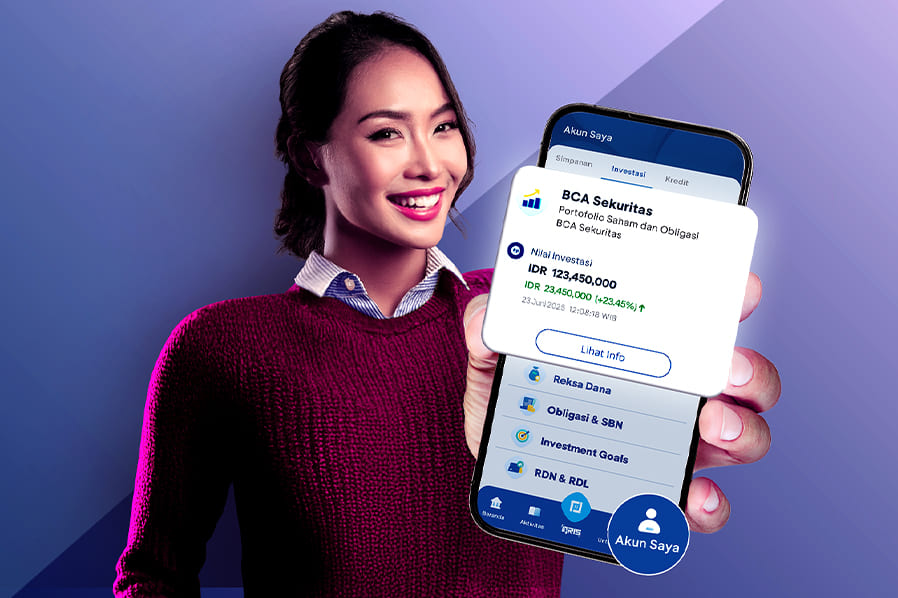
In the current dynamic market, monitoring investment movements is crucial for every investor. For myBCA users who also invest with BCA Sekuritas, there's good news! Now, you can access and monitor your stock and bond portfolio directly through the myBCA application and website.
This latest feature is designed to provide easy access to your investment information in real-time, so you don't have to bother with separate portfolio recapitulations. Let's explore the guide to connecting and accessing your BCA Sekuritas portfolio on myBCA.
How to Connect Your BCA Sekuritas Portfolio Access on myBCA
For myBCA users who already have a Customer Fund Account (RDN) BCA at BCA Sekuritas, you can easily connect your investment portfolio access directly through the myBCA Application or website.
This process only needs to be done once to integrate your myBCA account with your investment portfolio. Once connected, you can access and monitor your investments seamlessly.
Follow the steps below:
- Log in to the myBCA application
- Go to the 'My Account' menu
- Select the 'Investment' tab (myBCA Application) or 'Investment Portfolio' (myBCA website), then navigate to the 'BCA Sekuritas' section
- Click the 'Connect Now' button*
- Click 'Agree' on the Customer Statement page
- Enter your PIN (myBCA Application) or APPLI 1 (myBCA website)
- Your BCA Sekuritas account will be connected to myBCA and can now be used to access your stock and bond portfolio.
*If the customer does not have a BCA Sekuritas RDN, information stating that the customer does not have a BCA Sekuritas account will appear.
How to View the Summary and Details of Your BCA Sekuritas Stock and Bond Portfolio
Once connected, you can access your stock and bond portfolio held at BCA Sekuritas by following these steps:
- Log in to myBCA, go to 'My Account'
- Select the 'Investment' tab (myBCA Application) or 'Investment Portfolio' (myBCA website), then navigate to the 'BCA Sekuritas' section
- Your Portfolio Summary will be displayed, including the total value of stock investments and the total nominal value of bond holdings.
- To view Stock Portfolio details, select the button available in the stock section. The information displayed includes total investment value, unrealized gain/loss, list of owned stocks, number of lots, average price, and current value.
- To view Bond Portfolio details, select the button available in the bond section. The information displayed includes total nominal ownership, list of bond series owned, nominal value, and maturity date.
- You can view more details for each asset by clicking on it.
With this new feature, accessing your investment portfolio, both at BCA and BCA Sekuritas, becomes more practical and efficient, all through myBCA.
Download myBCA now and enjoy the convenience of accessing your BCA Sekuritas investment portfolio right from your fingertips!