
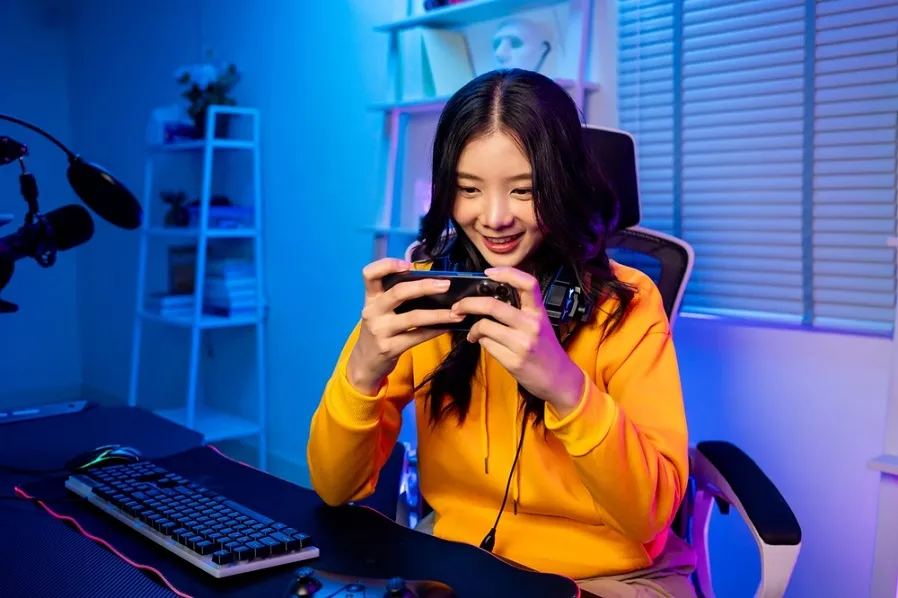
The character skin I want costs 100,000 rupiah, the battle pass costs 80,000 rupiah, followed by an additional top up for the gacha.
Individually, these purchases might seem small, but repeated over time, your spending on games can really add up by the end of the month. As a result, money intended for other needs was also spent.
To continue enjoying your favorite titles without straining your finances, it is essential to master monthly gaming budget management.
The secret isn't to stop buying things altogether, but rather to set limits on what you spend and figure out what's truly worth your hard earned money.
How to Set a Monthly Gaming Budget
Managing your gaming expenses isn't all that complicated. Here are some effective ways to keep your budget under control:
Also Read: Buy Game & Streaming Vouchers through myBCA’s Entertainment Feature
1. Set a Budget Limit at the Beginning of the Month
First, set a maximum monthly budget for all your gaming expenses, including top ups, vouchers, battle passes, and in app purchases.
Determine the amount remaining after your basic needs, bills, savings, and other obligations have been covered.
For example, suppose you set a budget of Rp200,000 per month. This means that all game purchases must fall within that limit, not just top-up transactions.
Record the amount in your budgeting app. If the budget has been exhausted, postpone the next purchase until the new budget period.
2. Keep Your Gaming Funds Separate from Your Daily Expenses
Combining entertainment expenses with funds allocated for other needs makes tracking expenditures much harder.
Therefore, allocate a separate budget for gaming from the start, and keep it in an account designated for entertainment.
Every time you top up a game, deduct the transaction amount from your budget balance. This way, you can instantly see your remaining budget.
3. Prioritize the Items You Really Want
Not all items need to be purchased. Before you top up, make a priority list based on benefits and frequency of use.
For example, if you frequently play a specific character, a skin for them is often more valuable than an item for someone you rarely use.
The same goes for the battle pass: consider whether you have enough time to play and complete its missions.
Compare the price of the item with your remaining budget. If the purchase would consume almost your entire budget, consider postponing it.
Also Read: Tips for Playing The Best PC Games Comfortably
4. Wait 24 Hours Before Making an Impulsive Purchase
Seeing your favorite streamer use a new skin or discovering a limited time event can trigger an impulse to buy. To prevent this, wait at least 24 hours before executing an unplanned purchase.
While you're taking a break, ask yourself if you really need that item, if you'll use it often, and if the price is right.
If your desire to make a purchase fades after a day, you can redirect those funds toward other needs.
This method is also effective when playing gacha games. Set your trial limit and bet amount before you start, and stop once you reach that limit.
5. Take Advantage of Promotions Without Increasing Your Expenses
Promotions and top up bonuses help you save money, but only if the purchase was already intentional.
A discount isn't a reason to buy something you don't really want.
Before making a purchase, compare package pricing, review the terms and conditions, and calculate the total cost. Avoid buying a larger package just because the bonus seems appealing.
You can also track your favorite gaming events to allocate your monthly budget toward the opportunities that best align with your priorities.
Remember, promotions are meant to help you save money, not spend more.
Also Read: Top Up Games & Apps on Google Play and Earn Gacha Points
Buy Game Vouchers Through the myBCA Lifestyle Feature
Once you have set your budget, you can choose a game voucher that fits your financial plan.
The Lifestyle feature on myBCA offers a variety of game vouchers that can be purchased directly through the app, allowing you to tailor your purchases to your remaining budget.
Here are the steps:
-
Log in to myBCA, then select “Pay & Recharge.”
-
In the Entertainment section, select “Game Vouchers” and the game you want.
-
Select the source account and the plan that matches your monthly allowance, then click Pay.
-
View the voucher code in the History menu or in the notification email, then redeem it in the game.
Purchasing game vouchers via myBCA is currently available on Android devices. Please note that the available games and packages are subject to change.
Check the latest display in your app before making a transaction.
Let’s set our gaming budget for this month and make sure every transaction stays within the limit.
If you would like to purchase a voucher, check out the available options in the myBCA Lifestyle feature to make purchasing more convenient and keep your spending on track.


