
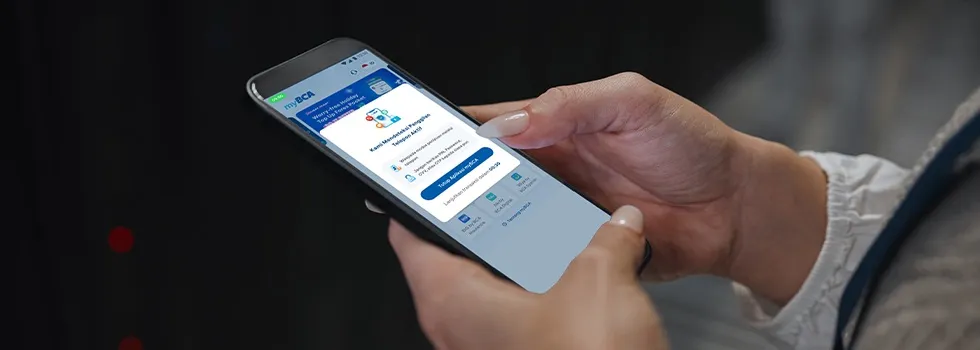
Be aware of calls from mobile phones, chatting applications, or online meeting platforms where the caller claims to be from a bank and instructs customers to open their mobile banking app. This is a common scam known as voice phishing.
In addition to accessing mobile banking, another common tactic involves the scammer asking the victim to enable the screen sharing feature on their smartphone to steal personal and banking information. The scammer will then direct the potential victim to conduct financial transactions, such as transfers and e-wallet top-ups.
To help customers become more aware of these scams, BCA’s mobile banking apps (myBCA and BCA mobile) now feature “pop-up awareness” notifications that warn customers to be cautious of various scams and advise against sharing banking information.
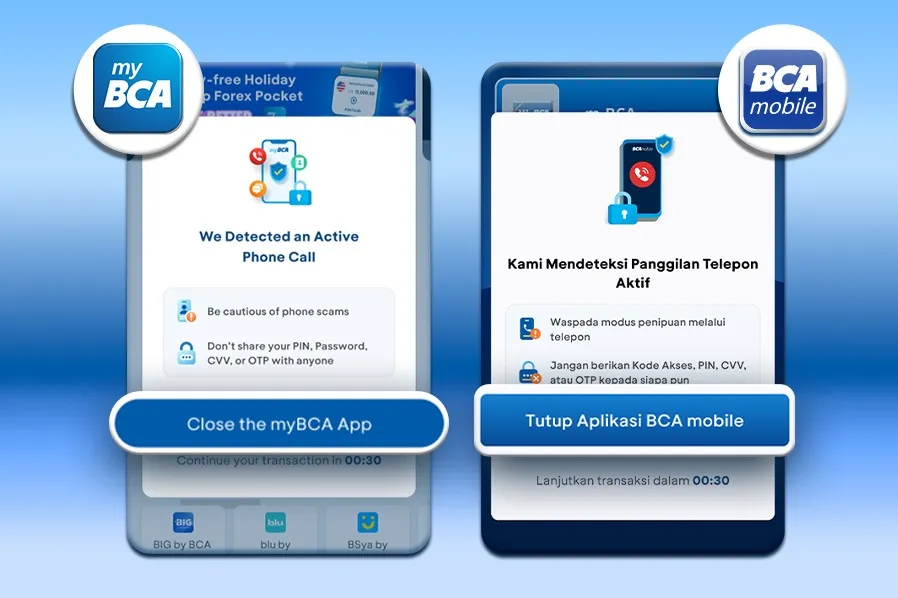
This “pop-up awareness” notification also offers customers a choice: whether to end the phone call or proceed with the transaction. There are two ways to continue a transaction on BCA mobile banking after the pop-up notification appears:
- Close the BCA mobile banking app
Customers can choose to close the BCA mobile banking app and then end the ongoing phone call. Once the call ends, customers can access BCA mobile banking again.
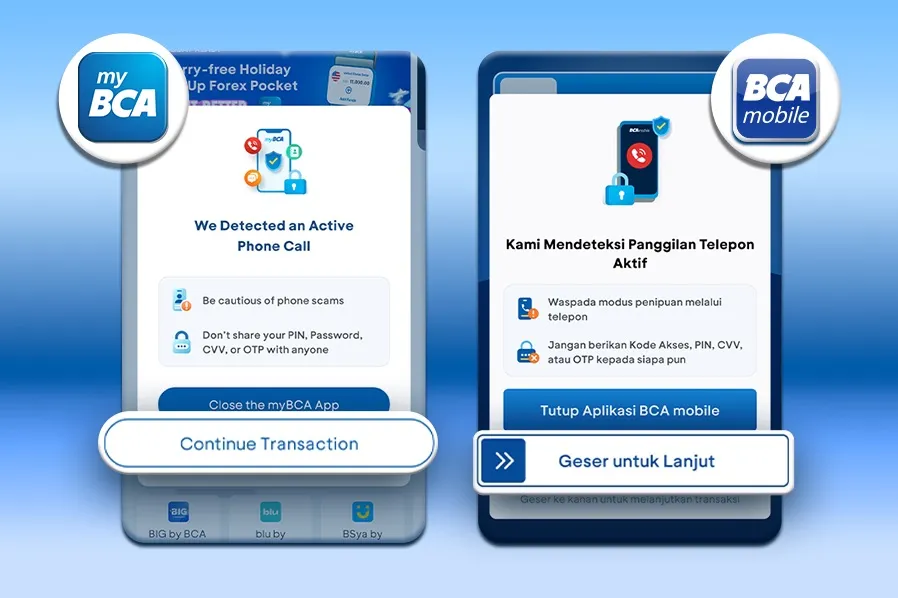
- Wait 30 Seconds
If customers are certain that the phone call is safe and not from a suspicious party, they can wait a moment until the pop-up awareness message displays the “Continue Transaction” (“Lanjutkan Transaksi”) button in myBCA or “Swipe to Continue” (“Geser untuk Lanjut”) in the BCA mobile app.
For transaction security and convenience, ensure that incoming phone calls do not lead to actions that compromise transaction security. Keep personal and banking information confidential, and never share it with anyone. BCA never requests customers’ personal or banking information through any channel. Remember, #DatamuRahasiamu.
Update myBCA and BCA mobile to the latest version so that pop-up awareness notifications can appear and transactions run smoothly.
BCA is committed to ensuring the security of its customers’ transactions. The pop-up awareness feature is one of BCA’s efforts to help protect customers from phone scams, by giving customers time to think and reconsider before continuing the transaction. If any suspicious activity is detected while using BCA mobile banking* or other BCA services, immediately contact Halo BCA through the haloBCA app or at 15000888.
*This feature is not active when customers use the myBCA Help Center’s VoIP service.


