
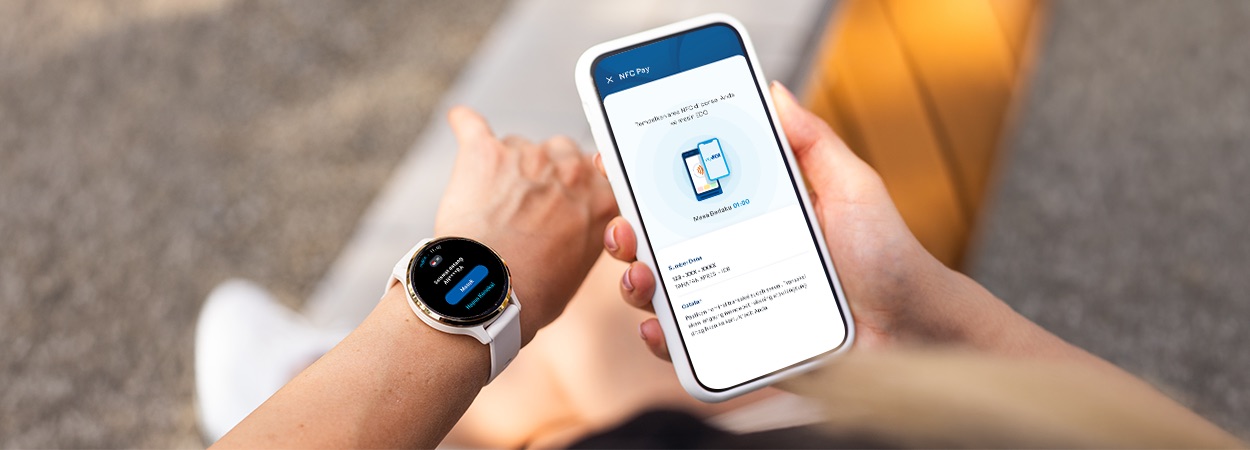
Payments are now simpler, more modern, and more convenient with the NFC Pay feature on myBCA for smartphones and smartwatches. Although both utilize a cashless concept, they offer different functions and advantages tailored to your needs.
NFC Pay on myBCA: Tap, Pay, Done
For frequent transactions, NFC Pay on myBCA can be a practical solution. Simply hold your smartphone near the payment terminal, tap, and the transaction is complete. There is no need to scan a QR code or use a physical card. This feature uses NFC-based QRIS Tap, with funds directly deducted from your myBCA account balance.
This feature is ideal for daily activities such as shopping or dining out, especially when a wallet is not within reach. As long as your Android smartphone supports NFC, NFC Pay can be activated directly through the myBCA app. For activation steps and full details, refer to the complete guide in this article.
myBCA on Smartwatch: A Transaction Solution for an Active Lifestyle
In addition, myBCA on smartwatch is designed to support a more active and dynamic lifestyle. It is especially useful during activities such as exercising, taking a walk, or in situations where a smartphone is not easily accessible. Available services include:
- Balance information
- Transaction history
- Cardless
- Show QRIS Pay
- NFC Pay
Currently, myBCA on smartwatches supports devices running at least WatchOS 8.0 or WearOS 3.0. Full details about myBCA on smartwatches are available in the related article.
Both features are designed to make transactions more convenient and aligned with modern lifestyles. Simply choose the option that best fits your daily activities, whether it is the practicality of a smartphone or the compact convenience of a smartwatch, all accessible through myBCA.


