
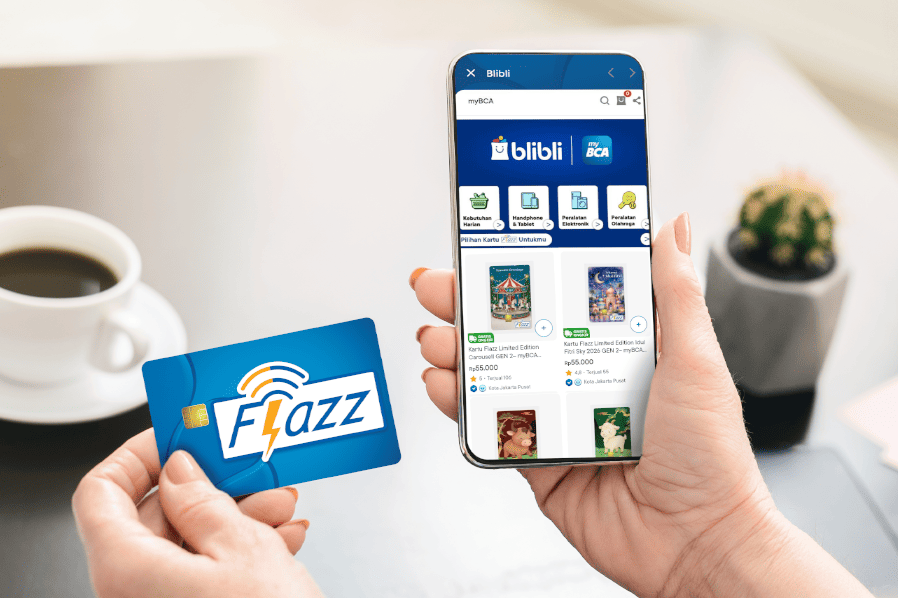
Electronic money, such as the Flazz card, has become essential for paying for various transactions, including tolls, parking, public transportation, gas, and shopping at merchants. With this growing need, the ease of purchasing a Flazz card has become increasingly crucial.
Now, you don’t have to worry about buying a Flazz card because you can purchase one directly through the myBCA app using the Lifestyle feature. The process is fast, easy, and convenient. You can do it anywhere, anytime, right from your smartphone.
What Is the Lifestyle Feature in myBCA?
The Lifestyle feature in the myBCA app offers a variety of services for your daily needs, ranging from purchasing digital products, vouchers, and tickets for transportation and accommodation to booking various other services. One of the available services is the purchase of a Flazz card.
How to Buy a Flazz Card via the myBCA Lifestyle Feature
For those of you who don’t know how, here’s a complete guide to buying a Flazz card via the myBCA Lifestyle feature:
- Log in to myBCA
- Select the Lifestyle feature
- Select Blibli Shopping
- Select your desired Flazz card design
- Confirm your Blibli login with the OTP code sent to your registered email address or WhatsApp number, or create a Blibli account if you don't have one.
- Click Checkout. Make sure the address and details are correct. The card shipping address must match the address registered on your Blibli account.
- Confirm the transaction details. Click Continue
- Enter your PIN
- Your order has been successfully processed!
Additional Information:
Be sure to complete your payment after checkout. Avoid closing the payment page to ensure your order is saved.
With the Lifestyle feature on myBCA, purchasing a Flazz card is now easier and more efficient. You can do it anywhere, anytime, right from your smartphone. There are many other features that can simplify your transactions on myBCA.


