
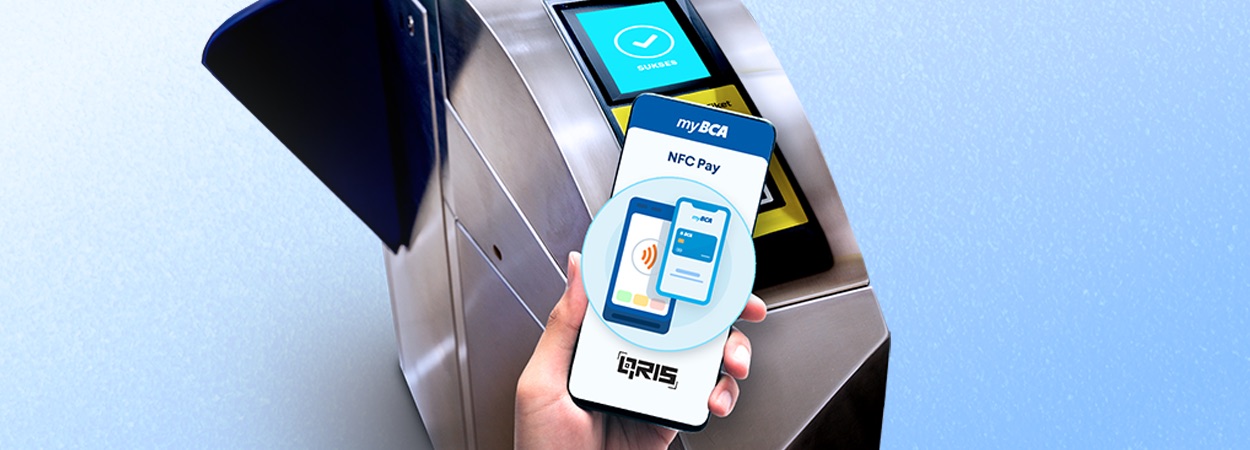
Good news for those who frequently use electronic payments for daily commutes! Now, your trips can be more comfortable thanks to QRIS Tap in myBCA, which supports NFC (Near Field Communication)-based payment systems for public transportation or parking.
This means you can make payments directly from your NFC-enabled Android smartphone with QRIS Tap via myBCA. QRIS Tap transactions are perfect for people with high mobility who expect their transactions to be practical and fast.
However, before using it, ensure the QRIS Tap feature in myBCA is already activated. If not, follow these activation steps:
What makes the QRIS Tap feature even better is that you can directly use your smartphone for transactions, and every QRIS Tap transaction in myBCA will directly deduct funds from your BCA account.
Super easy, right? Just ensure your balance is available, and your journey will be smooth and hassle-free.
So, how do you pay for public transportation or parking with QRIS Tap in myBCA? Here's how:
What are you waiting for? Take advantage of QRIS Tap in myBCA for a more convenient payment experience. Don't forget to download or update the myBCA app to the latest version on the Play Store, then activate and try QRIS Tap now!
Related Article: BCA - QRIS Tap Transactions with NFC Pay on myBCA, Pay with Just a "Tap" Using Your Smartphone


