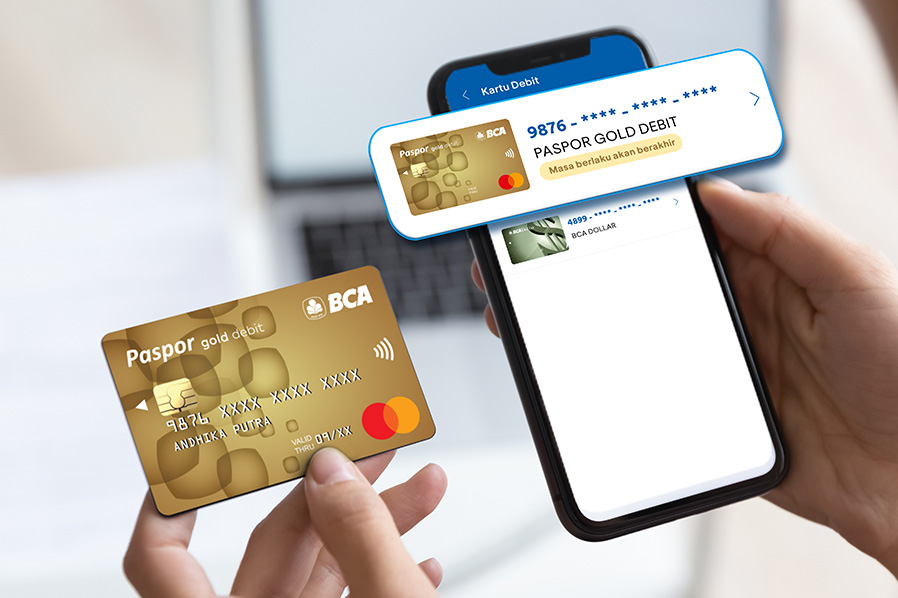
Want to use your BCA Debit Card with ease? Be sure to check its status regularly, from the expiration date to the card type. Here are some reasons you might need to replace and activate your BCA Debit Card:
- It has expired or will expire in 3 months
- It is blocked
- It still uses a magnetic stripe
If you're experiencing any of these situations, don't worry! Here's a hassle-free way to replace your BCA Debit Card on myBCA app:
How to Replace a BCA Debit Card in the myBCA App
- Log in to myBCA
- Select the Settings menu
- Select Debit Card
- Check the status of the BCA Debit Card that needs to be replaced
- Select the Change Card menu
- Select the Delivery or Pick Up at Branch option.
- Verify using the PIN
- Request successful
How to Activate a BCA Debit Card in the myBCA App
- Log in to myBCA
- Select the Settings menu
- Select Debit Card
- Select the card you want to activate
- Select Activate New Card
- Enter the card number and align your debit card with the guide lines, or enter the card number manually.
- Create a PIN for the new card, then click Continue
- Enter your myBCA PIN to confirm
- Your BCA Debit Card has been successfully activated!
Check the status of your BCA Debit Card replacement application in the myBCA activity menu. Use haloBCA app or call Halo BCA at 1500888 for more information.