
*Updates : November 13, 2026
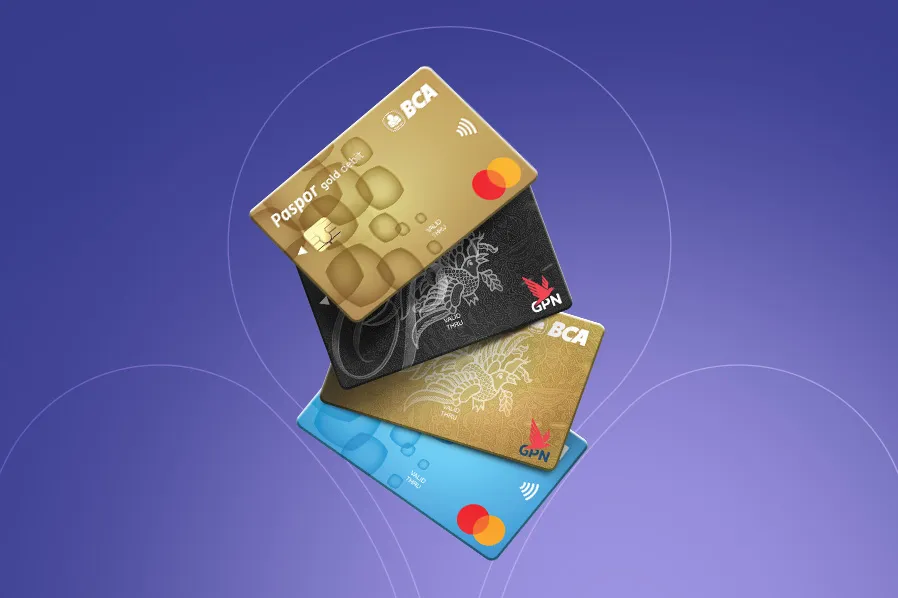
BCA Debit Cards can be used for shopping so you do not have to carry around cash and wait for your change. You can just dip your card on the EDC machine, and voila, done. You can also use your card for various transactions, such as transferring money, depositing cash, and paying your bills using an ATM.
But, after opening a BCA account, you may still not know how to activate your BCA Debit Card.
Worry not, just follow these steps:

First, after you receive your BCA Debit Card, you can request a card activation code via SMS using the phone number you register to BCA.
- Request activation code before activating your card at the ATM
- Send a message with the following format: AKTIVASI<space>16 digit card number
- Send to 89888
- You will receive a code, it will expire in 30 minutes
Second, continue BCA Debit Card Activation via BCA ATM with the following steps:

- Select Aktivasi Kartu ATM

- Insert card

- Enter your Activation Code

- Wait for the transaction to process

- Enter a New PIN

- Confirm your PIN

- Your card is now active
Now you can access an easy transaction using BCA Debit Card, including to Activate Debit Online Feature.
For further informations, GoodFriends can contact Halo BCA 1500888 or through haloBCA app.


