
Nowadays, you can do almost all of your transactions online, including online shopping. In doing so, the BCA Mastercard Debit Card has become a reliable payment method.
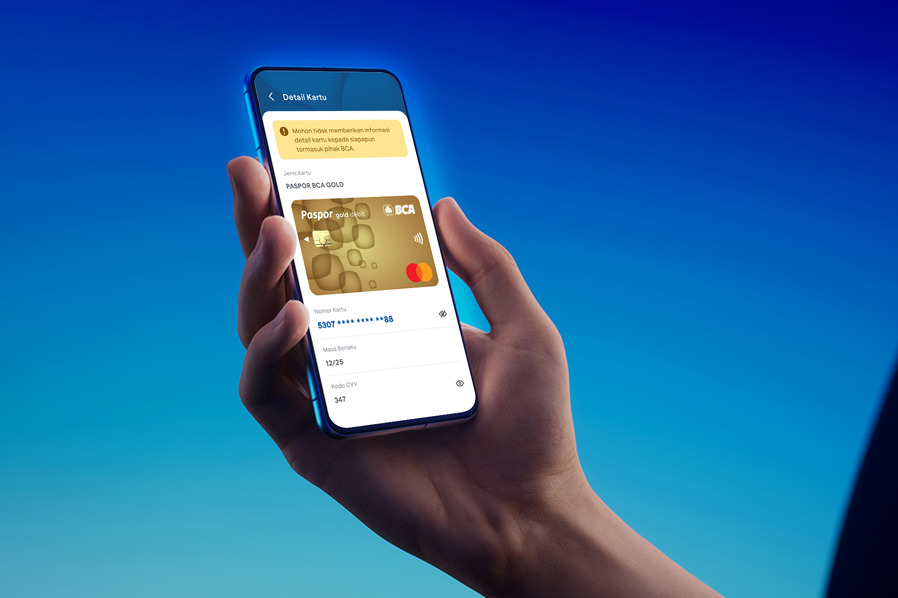
Hence, knowing information such as the BCA Debit Card Number, card expiry date (valid thru), and CVV/CVC code is essential to ensure a smooth online transaction. But what if your physical BCA Debit Card isn’t within reach? The solution is to check using the myBCA or BCA mobile applications.
How to Check BCA Debit Card Details in myBCA app:
- Login to myBCA
- Choose the Settings icon at the top right corner
- Choose Debit Card
- Choose the Debit Card that you want to check
- Choose View Card Detail
- Enter your PIN
- Debit Card information details such as Debit Card number, valid thru, and CVV/CVC code will be displayed
- Make sure to keep this information confidential, do not give it to anyone through any channel
How to Check BCA Debit Card Detail in BCA mobile app:
- Login to BCA mobile
- Choose My Account
- Choose View Card Details
- Enter your PIN
- Debit Card information details such as Debit Card number, valid thru, and CVV/CVC code will be displayed
- Make sure to keep this information confidential, do not give it to anyone through any channel
Online transactions, shopping, and bill payments using your BCA Debit Card has now become easier and more seamless than ever!
Always ensure the security and confidentiality of sensitive card information such as the card number, expiry date (valid thru), and CVV/CVC code. Never share these details with anyone, including those claiming to be from BCA!


