
08 Nov 2024 | Edukatips

How to Apply for a BCA Credit Card via the myBCA App

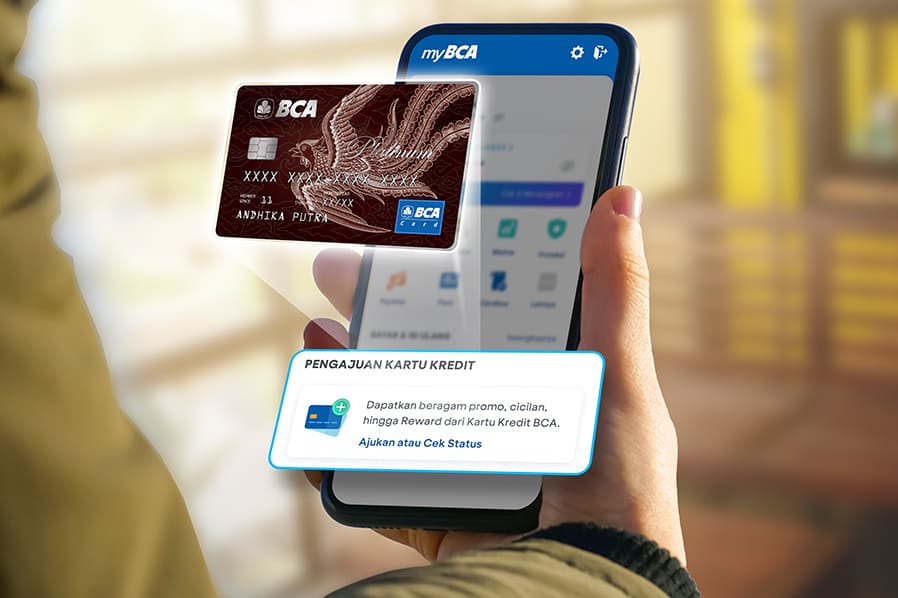
Applying for a BCA credit card is now easier than ever. Previously, online credit card applications could only be done through the BCA website, but now you can also do it directly through the myBCA app. By applying for a credit card through myBCA, you can check your application status in the app and receive notifications regarding its status. 

There are various advantages to using a BCA Credit Card, starting from various attractive promos, BCA Rewards, installments with low interest, easy credit card management via myBCA and so on. 

How to Apply for a Credit Card at myBCA

Ensure your myBCA app is updated to the latest version. Follow these steps to apply for a credit card in the myBCA app.

  1. Login to myBCA
  2. Click Apply or Check Status in the Credit Card Application section, click Continue and click Start. Currently, only valid for main credit card applications (not valid for additional credit card applications).
  3. Select the desired BCA Credit Card type
  4. Select the desired companion card type
  5. Confirm the selected card by clicking Continue
  6. Verify your email by clicking Yes and clicking Continue. If you want to change your email address, select No and fill in the New Email Address column and verify your new email by entering the OTP code
  7. Personal data and employment data will be filled in automatically according to the data when opening the account. If there are changes, the data can be changed according to the latest data
  8. Make sure all data is filled in completely and correctly
  9. Enter PIN
  10. BCA Credit Card Application has been successful and is being processed

How to View Credit Card Application Status on myBCA

To find out the status of your credit card application, follow these steps:

  1. Login to myBCA
  2. Click Apply or Check Status in the Credit Card Application section or check in Notifications

So, applying for a BCA credit card is now easy and can be do it online through the myBCA app. Apply for a credit card at myBCA by clicking the button below: