
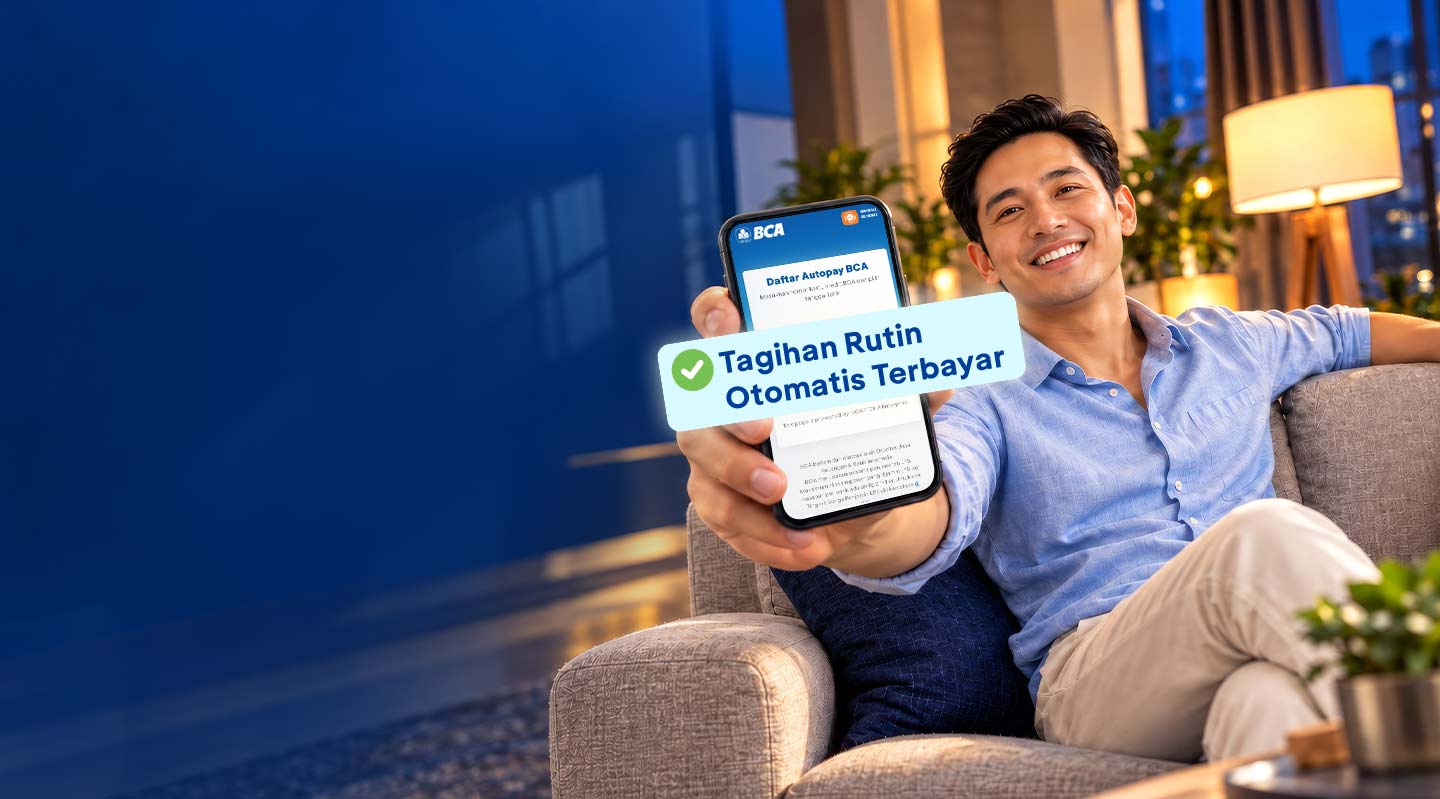
Why Autopay BCA?

Comfortable
Skip queues in the bank

Practical & Scheduled
One date to get all your bills automatically paid with your credit card

Reward
Every Autopay BCA transaction is entitled to Reward BCA
Autopay BCA
About
Important Information
Merchant List
Fees and Limits
Activate Service
Autopay BCA
A solution for recurring bill payment without lifting a finger. You don’t have to go through the hassle to remember different due dates every month anymore, such as bills for electricity, phone, internet, insurance, or TV subscription.
Autopay BCA
A solution for recurring bill payment without lifting a finger. You don’t have to go through the hassle to remember different due dates every month anymore, such as bills for electricity, phone, internet, insurance, or TV subscription.
- Minimum credit limit of Rp3,000,000
- The application for registration of Autopay BCA must be carried out by the main cardholder. Specifically for BCA Visa Corporate card, the registration application must be carried out by the PIC of the company
- The effective Autopay cut-off is maximum 2 months after receiving the Autopay welcome letter
- If the cut-off dates above fall on holiday (Saturday, Sunday, or national holidays), the cut-off date advances 1 day to the previous business day
- Cardholders hereby authorize BCA to automatically debit enrolled credit card account, and make the payables to service providers
- The name listed is not a company name, it must be under your own name
- BCA, at its sole discretion, can reject any application for Autopay facility
- In the event of any failure in making the auto-debit, BCA has the right to debit any other active and enrolled BCA credit cards
- The amount of Autopay Bill is determined by the service provider. If there is a discrepancy between the Autopay Bill and the bill payable, Cardholder shall contact the service provider.
- Valid for all types of BCA Credit Cards including supplementary cards, except for BCA Visa Singapore Airlines and Corporate Business Account (CBA) cards
- BCA is not responsible for double bill payments caused by Cardholder errors
- If the subscription is no longer active, Cardholder is required to notify PT. Bank Central Asia Tbk. via Halo BCA 1500888. If such notification fails to be made, Autopay BCA will remain active and BCA is not responsible for any and all transactions that occur
- Administration fee for automatic payment see Fees and Limits
LOB Merchant Name APARTEMENT
AYANA RESIDENCES
ASURANSI
ASURANSI JIWA SINARMAS
ASURANSI
BCA LIFE
ASURANSI
CIGNA/ CHUB LIFE
ASURANSI
PRUDENTIAL LIFE
ASURANSI
SEQUIS LIFE
ASURANSI
TATA MANDIRI
ASURANSI
SUN LIFE
ISP
CENTRIN ONLINE
ISP
CBN
ISP
FIRST MEDIA
ISP
D-NET
ISP
INDIHOME
ISP
TELKOM VISION
ISP
MNC VISION
ISP
BIZNET
ISP
MYREPUBLIC
TELEKOMUNIKASI
TELKOMSEL
TELEKOMUNIKASI
XL
TELEKOMUNIKASI
3
TELEKOMUNIKASI
TELKOM
TELEKOMUNIKASI
TELKOMFLEXI
TELEKOMUNIKASI
INDOSAT
TELEKOMUNIKASI
SMARTFREN
UTILITY
PLN
UTILITY
BPJS KESEHATAN
UTILITY
PAMJAYA
Merchant List
Enjoy the ease and convenience of transacting with Autopay BCA at the following merchants :
- ASURANSI JIWA SINARMAS
- BCA LIFE
- CIGNA/ CHUB LIFE
- PRUDENTIAL LIFE
- SEQUIS LIFE
- TATA MANDIRI
- SUN LIFE
- CENTRIN ONLINE
- CBN
- FIRST MEDIA
- D-NET
- INDIHOME
- TELKOM VISION
- MNC VISION
- MYREPUBLIC
- XL SATU
- TELKOMSEL
- XL
- 3
- INDOSAT
- SMARTFREN
- PLN
- PAM JAYA
- BPJS KESEHATAN
- AYANA RESIDENCES
- TELKOM
Fees and Limits
Merchant Administration Fee PLN IDR5,000/transaction Telkom Group IDR2,500/transaction PAM JAYA IDR3,000/transaction BPJS Kesehatan IDR2,500/ transaction Other Merchant Free Activate Service
Before activating BCA Autopay service through e-Form, SMS, Halo BCA, and BCA branches. Make sure you have updated your personal data for transaction convenience and security.


SMS
Type Autopay send SMS to 89888, Make sure your mobile number is registered with BCA Credit Card

BCA Branch Offices
Find the nearest BCA branch location to get this product or service directly
