
Why QRIS?

lightly

Simple

Simply scan barcode to do a cashless payment

safety

Safe

Use myBCA, BCA mobile and Sakuku applications that easy to operate and secured

group-100

Flexible

Can be used at anytime in all stores or outlets with the QRIS logo

QRIS

  • QRIS


    There are many ways to make payments using QRIS. Besides scanning a QR code, you can now also display your own QR code for shops or outlets with the QRIS logo to scan.

    QRIS transactions can also be completed by bringing an Android device with NFC features close to or tapping it on a merchant’s payment terminal using the NFC Pay menu at myBCA and BCA mobile, QRIS makes payments easier.

    QRIS can also be used for international payments by scanning QR merchant codes in countries that have partnered with Indonesia, such as China, Thailand, Malaysia, Singapore, Japan, and South Korea using myBCA or BCA mobile.
    foto

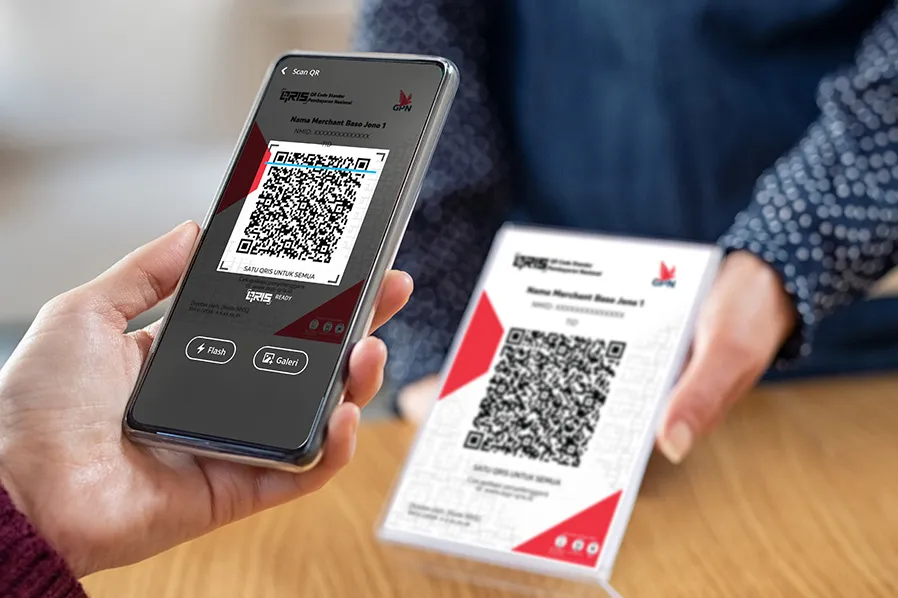
    MPM (Merchant Presented Mode)

    This is a transaction method by scanning an Indonesian Standard QR code using myBCA, BCA mobile, and Sakuku. This can also be done in countries that work with Indonesia (cross-border) using myBCA and BCA mobile.

    foto

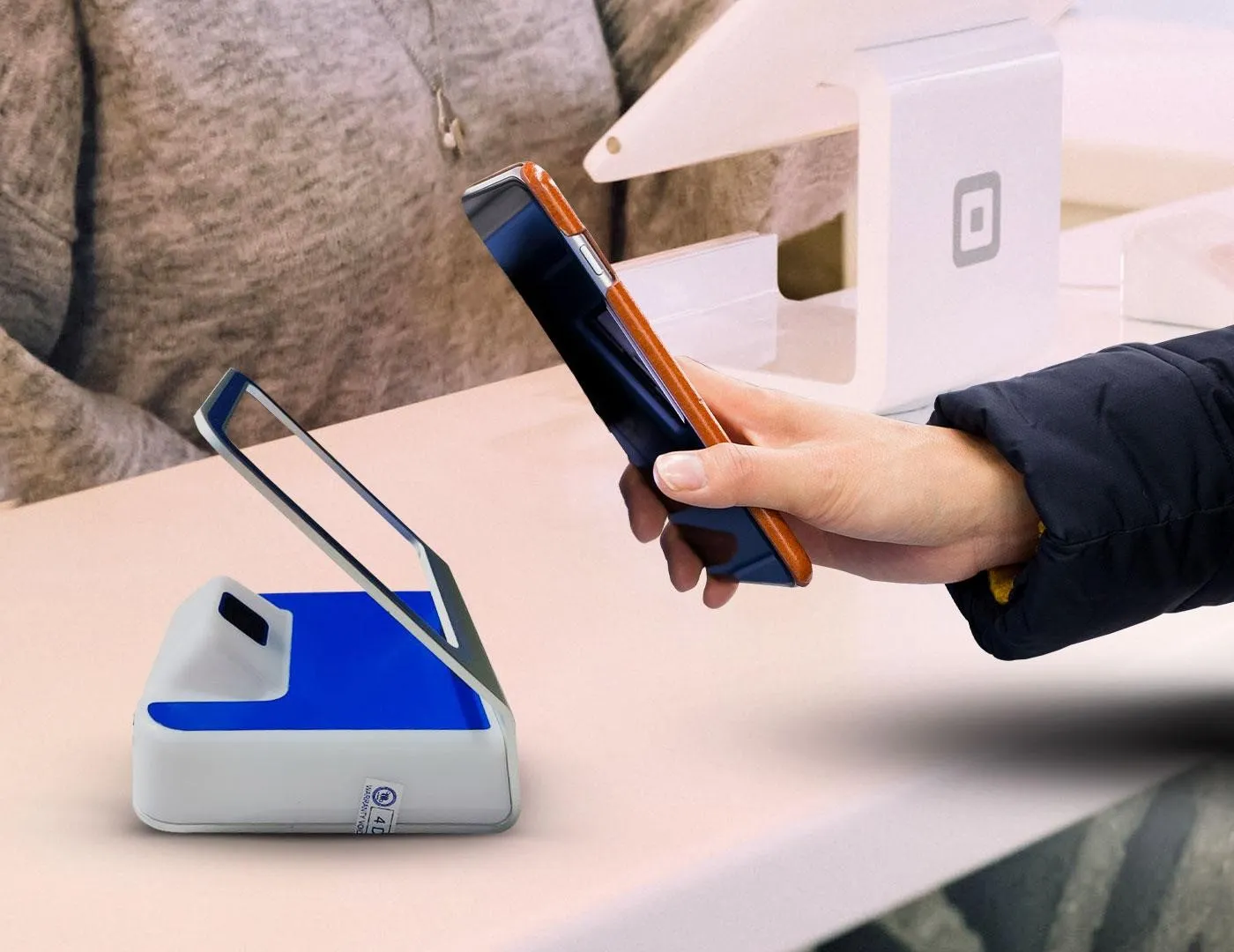
    CPM (Consumer Presented Mode)

    This is a transaction method using an Indonesian standard QR code to be scanned by the merchant using myBCA and BCA mobile.


    foto

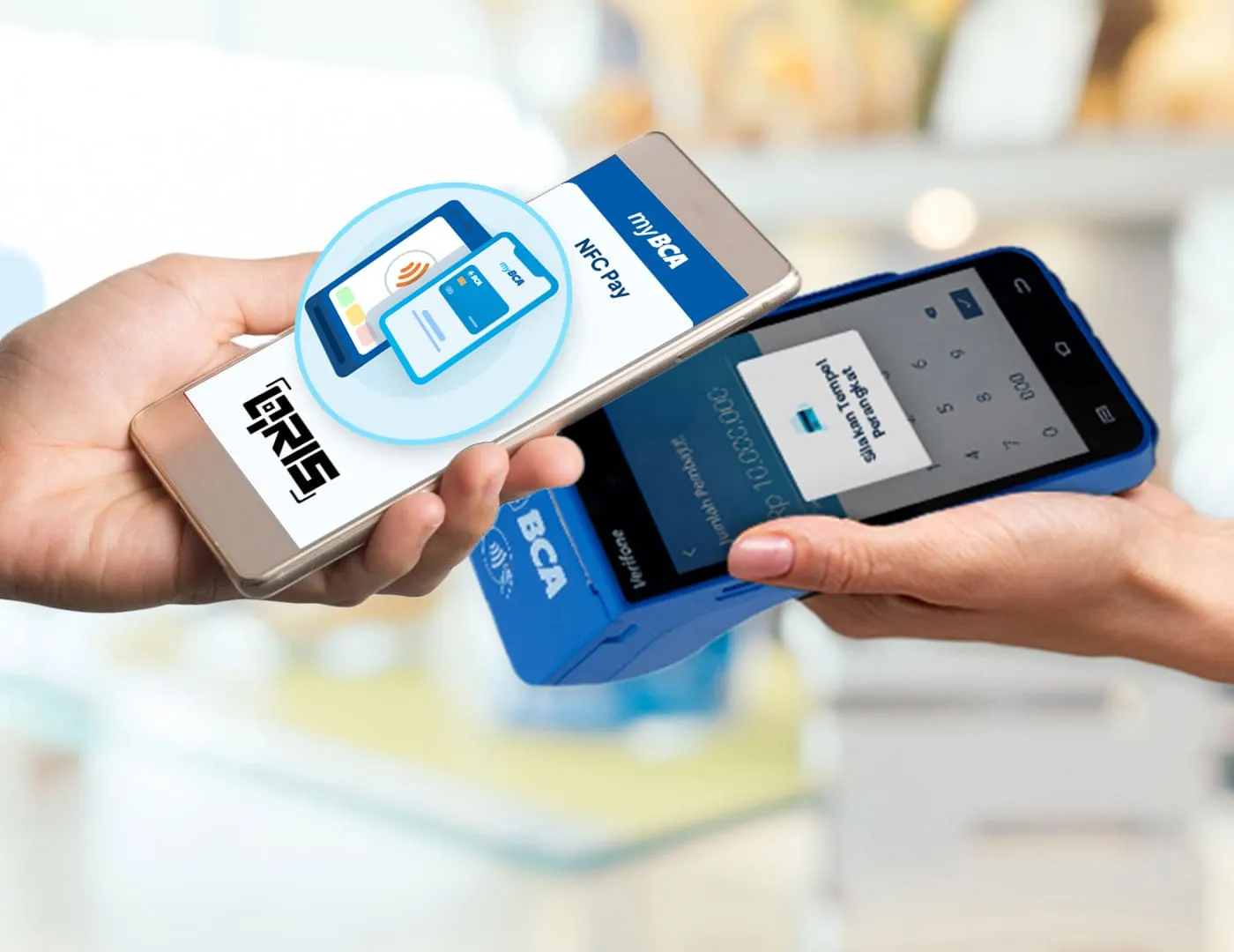
    QRIS - Tap

    QRIS TAP is a transaction method that utilizes NFC technology on Android devices. Customers can access this feature through the NFC Pay menu at myBCA and through the QRIS TAP at BCA mobile, by bringing their device close to or tapping it on a payment terminal at merchants that accept QRIS TAP.
    foto

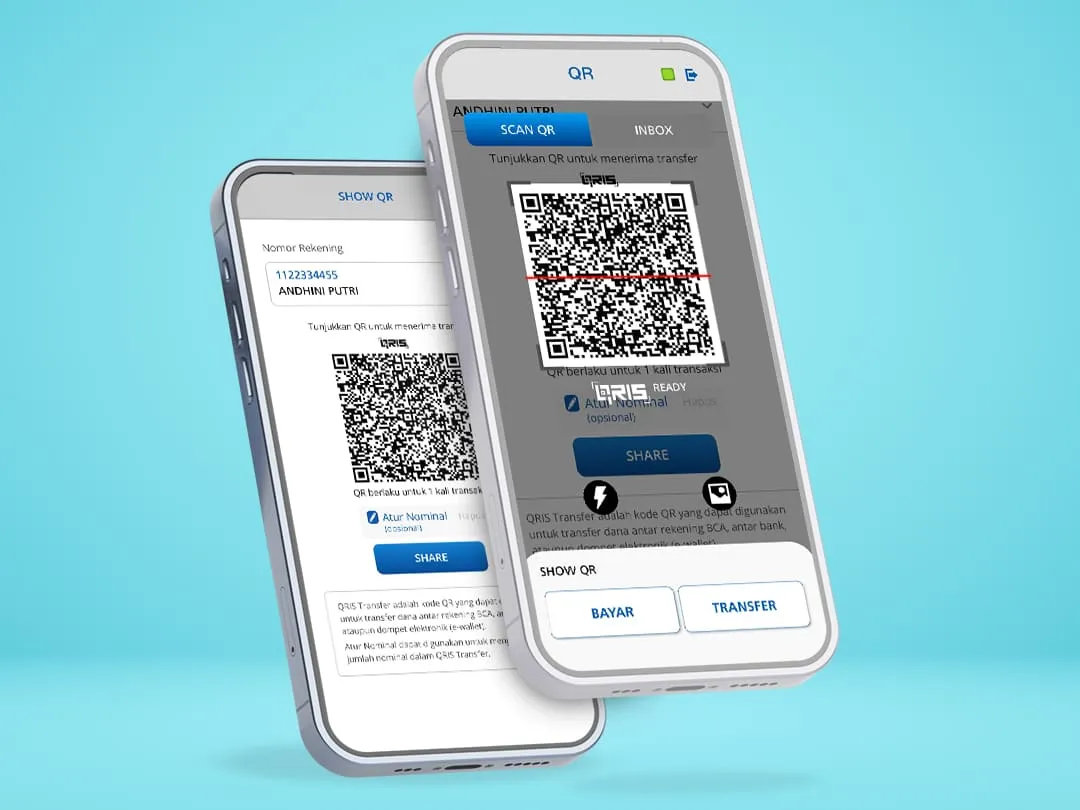
    Scan QR

    Transfer money to recipient by scanning QR code via myBCA and BCA mobile.


    foto

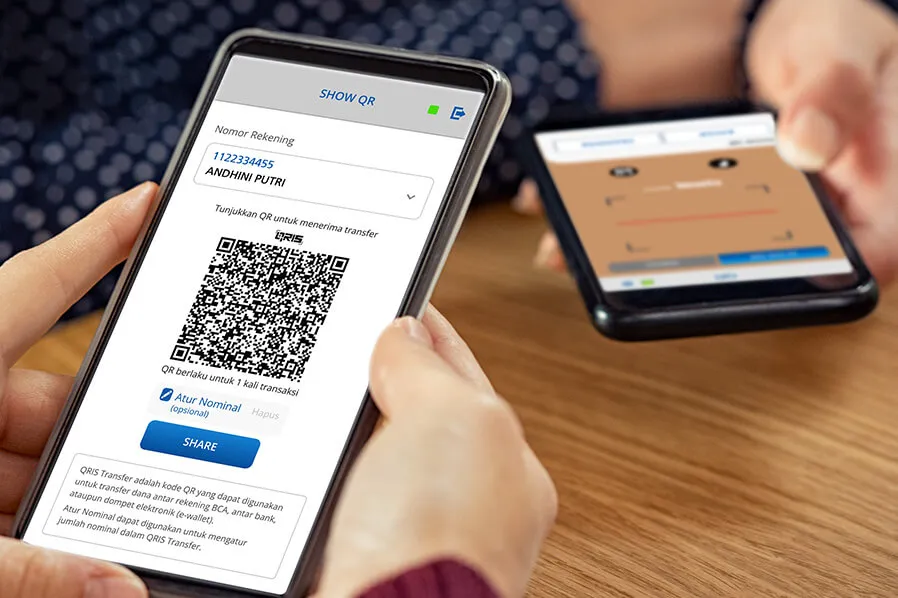
    Show QR

    Receive money by showing the QR code to be scanned by the sender via myBCA and BCA mobile.

  • Important Information


    • Transactions at stores/outlets/merchants are free of charge.
    • No top-up is required for QRIS transactions because it will be directly deducted from the fund source chosen for the transaction.
    • All stores/outlets/merchants that have the QRIS logo can accept payments from any payment application.
    • QR transactions abroad in countries that have collaborated with Indonesia (cross-border) can only be done using myBCA and BCA mobile. For more details, please read here.
    • QRIS Transfer is only specialised for sending and receiving money, not for payment transactions.
    • QR codes on QRIS transfers made to receive funds can only be used once.
  • Fees, Limits, and Interest Rates


    Payment Method Limit Per Transaction Daily Limit

    MPM

    IDR10,000,000

    IDR25,000,000

    Lintas Negara (cross border)

    CPM

    TAP

    IDR1,000,000

    QRIS Transfer  Method  Channel  Limit Per Transaction  Transaction Limit per Day Fee per Transaction
    Minimum  Maximum


    QRIS Transfer Between BCA Accounts 


    myBCA 


    IDR1 


    IDR10,000,000 

    To Other Personal Accounts: Maximum not capped

    Free of Charge

    Between BCA Accounts: Following the combined Limit of IDR300,000,000/BCA ID 

    BCA mobile 

    IDR1 

    IDR10,000,000 

    Following the transfer limit between BCA accounts based on the card type

    QRIS Transfer to Other Banks or Digital Wallets 

    myBCA 

    IDR10,000 

    IDR10,000,000 

    Following the combined limit of IDR300,000,000/ID BCA and the interbank transfer limit of IDR150,000,000/ID BCA

    Amount ≤ IDR100,000 : IDR2,000

    Amount > IDR100,000 : IDR2,500

    BCA mobile 

    Following the interbank transfer limit based on the type of card


  • Get the Service

    easy

    myBCA

    Get this service on myBCA
    mobile

    BCA mobile

    Get this service on BCA mobile
    group-29

    Sakuku

    Get this service on Sakuku