BCA Keyboard on BCA mobile

Check Balance Using Keyboard

Make Fund Transfer from Your Chatting App

Check Banking Transactions from Your Chatting App
FAQ
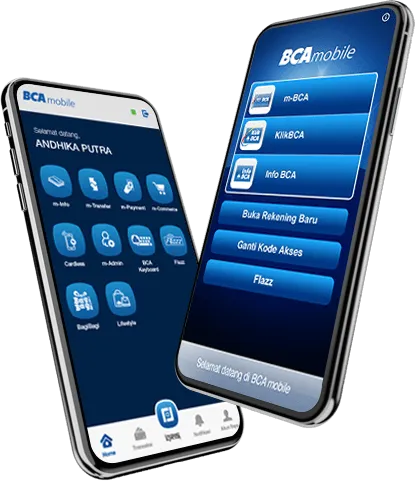
BCA Keyboard is a new way to access BCA mobile through your smartphone keyboard, which allows for transactions to be carried out without having to switch to BCA mobile.
- You must download the latest version of the BCA mobile app from Google Play Store, and activate BCA Keyboard
- Once BCA Keyboard is activated, you must select BCA Keyboard as the main keyboard on your smartphone
- Balance information
- Account statement
- Transfer between BCA accounts
- Transfer to BCA Virtual Account
The Access Code and PIN used on BCA Keyboard are the same as the ones used on the BCA mobileIt is very simple! Simply click the
 icon on the bottom left of the BCA Keyboard, you will be instantly connected to BCA mobile.
Account statement accessible through BCA mobile is only for the past 7 days. If you need to view bank statement within a specified period, simply go to BCA mobile.
It is to make the types of transactions easier to distinguish. Blue is for incoming bank transaction and red is for outgoing bank transactions.
No, the image receipt will disappear when BCA Keyboard is closed
You can see the receipt on the Inbox menu on BCA mobile
It cannot be done for security reasons. Only one application can be opened at a time.