
Virtual Account
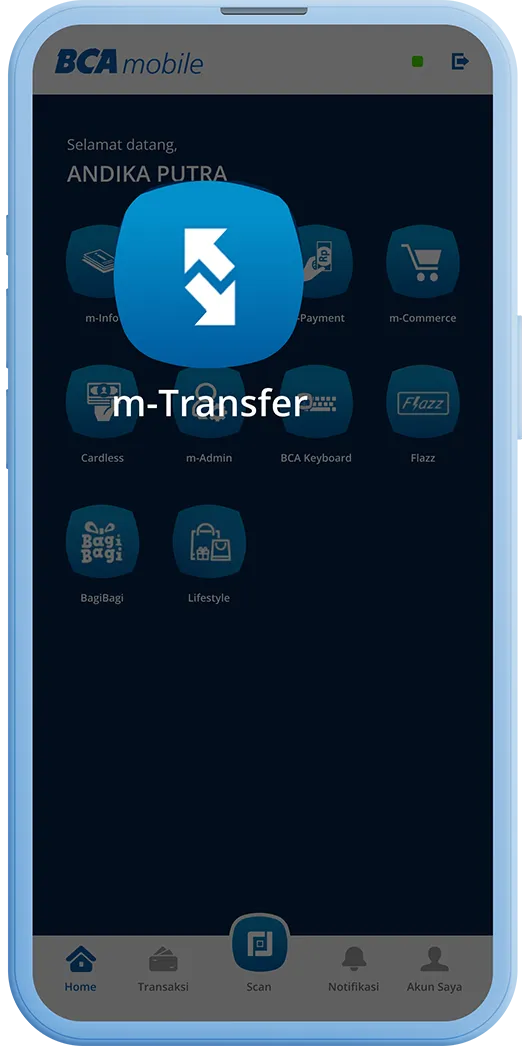
Open BCA mobile, select the “m-Transfer” menu
Step 1/6
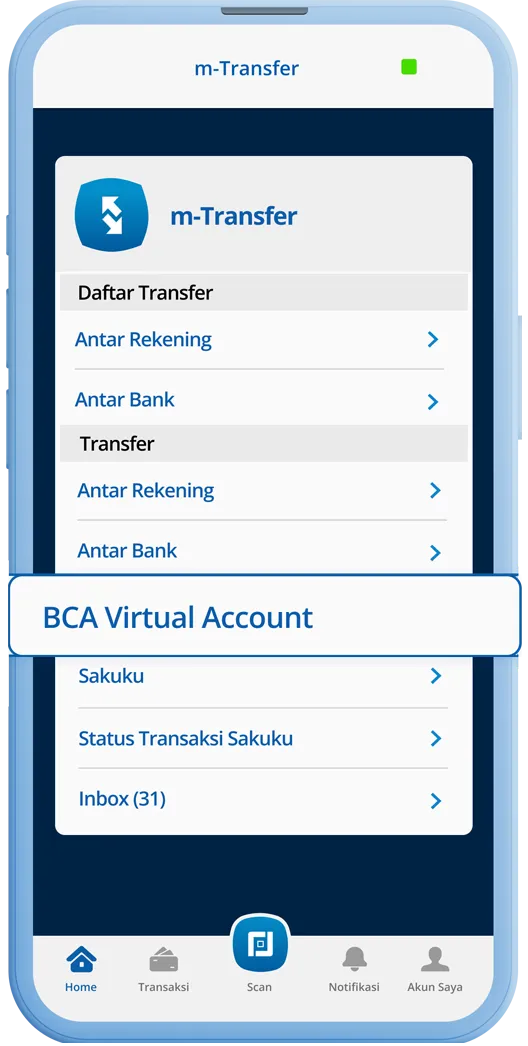
Select the “BCA Virtual Account” menu
Step 2/6
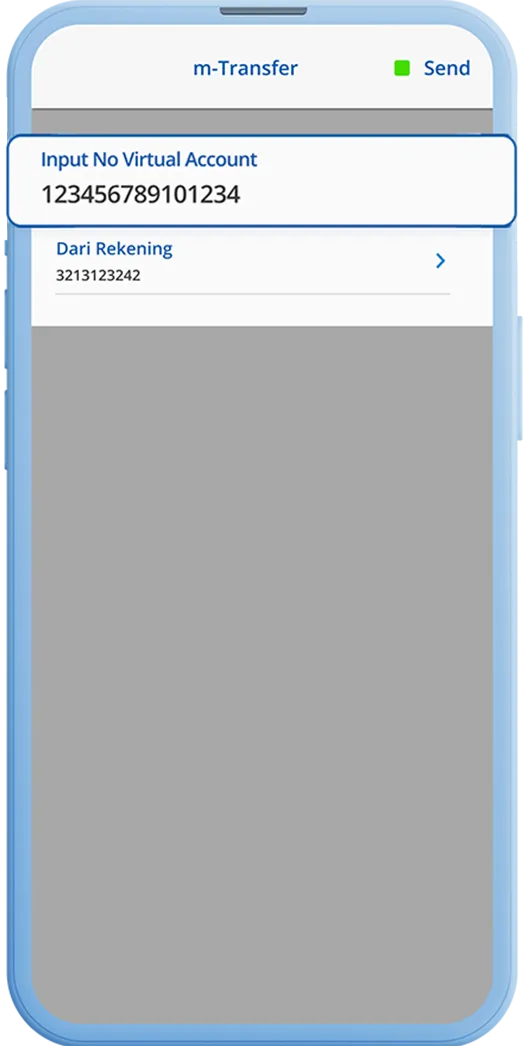
Enter the BCA Virtual Account number and click “Send”
Step 3/6
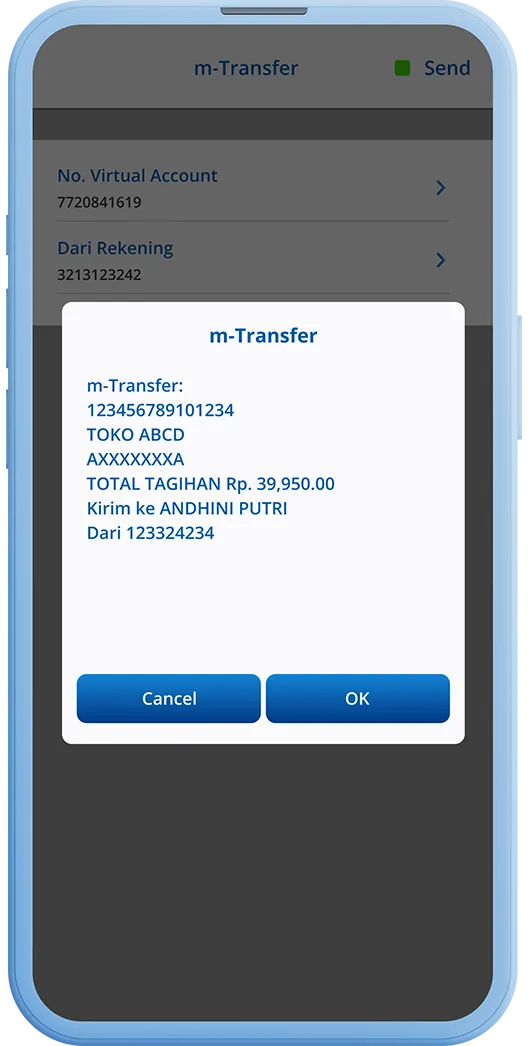
Check the amount appearing on the screen
Step 4/6
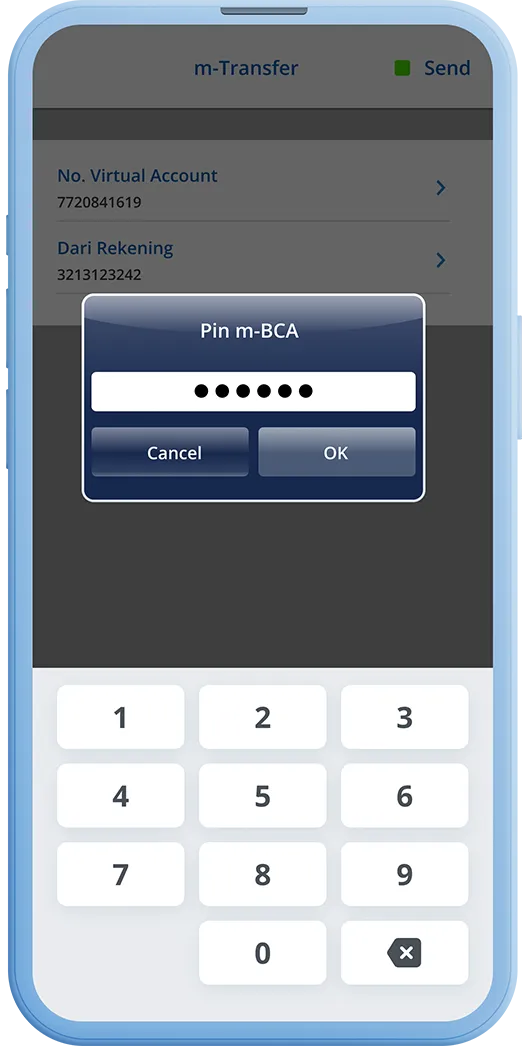
Enter your m-BCA PIN
Step 5/6
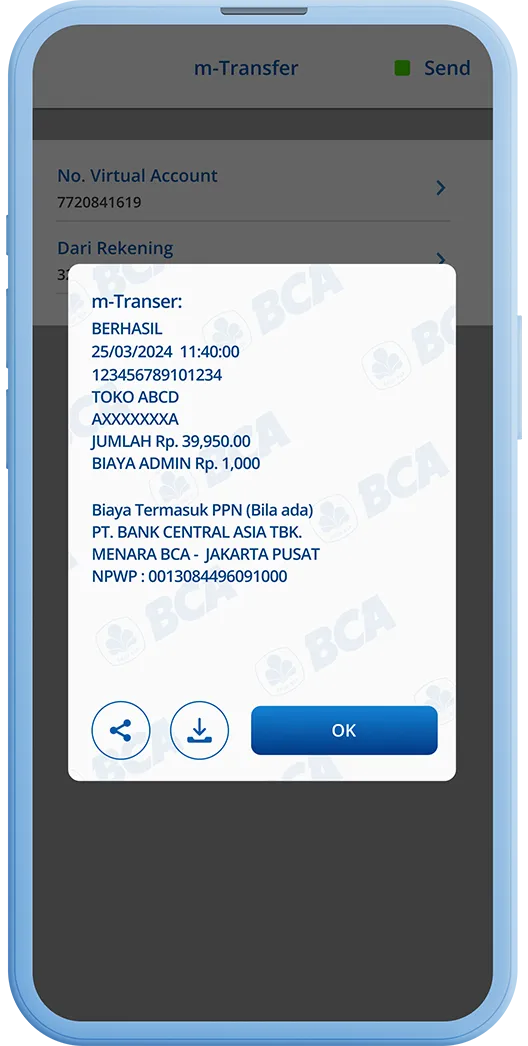
Transaction is successful
Step 6/6
Step 1/6
Open BCA mobile, select the “m-Transfer” menu