
BCA mobile Tutorial
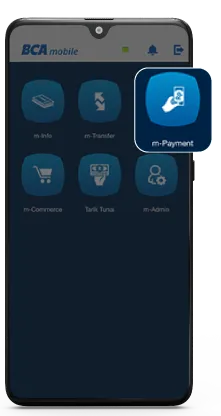
Select "m-Payment" at BCA mobile
Step 1/7
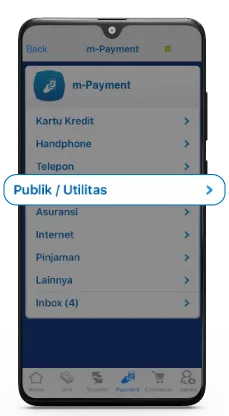
Select "Public/Utility"
Step 2/7
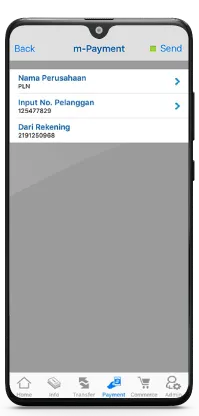
Choose PLN in the company name section
Step 3/7
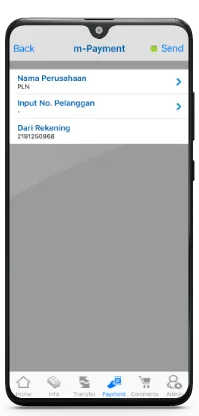
Enter the customer number
Step 4/7
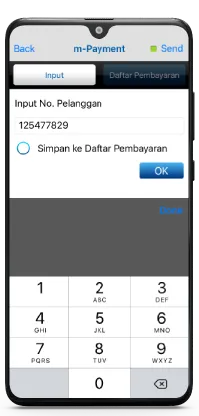
Confirm the customer number and click Send
Step 5/7
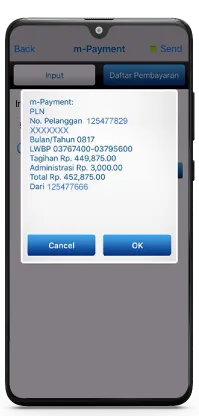
Make sure the detail bill is correct and click OK
Step 6/7
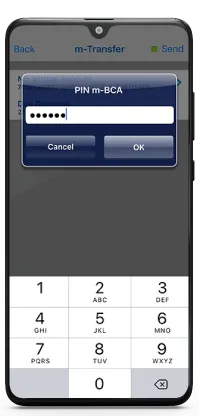
Enter the BCA mobile PIN to complete the transaction
Step 7/7
Step 1/7
Select "m-Payment" at BCA mobile