
BCA mobile Tutorial
Login to your BCA mobile
Step 1/9
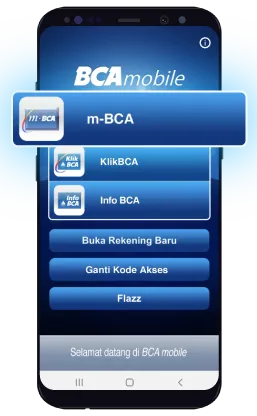
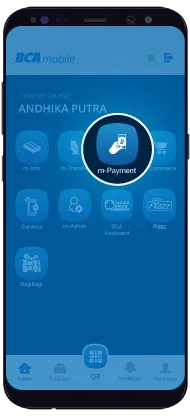
Select "m-Payment"
Step 2/9
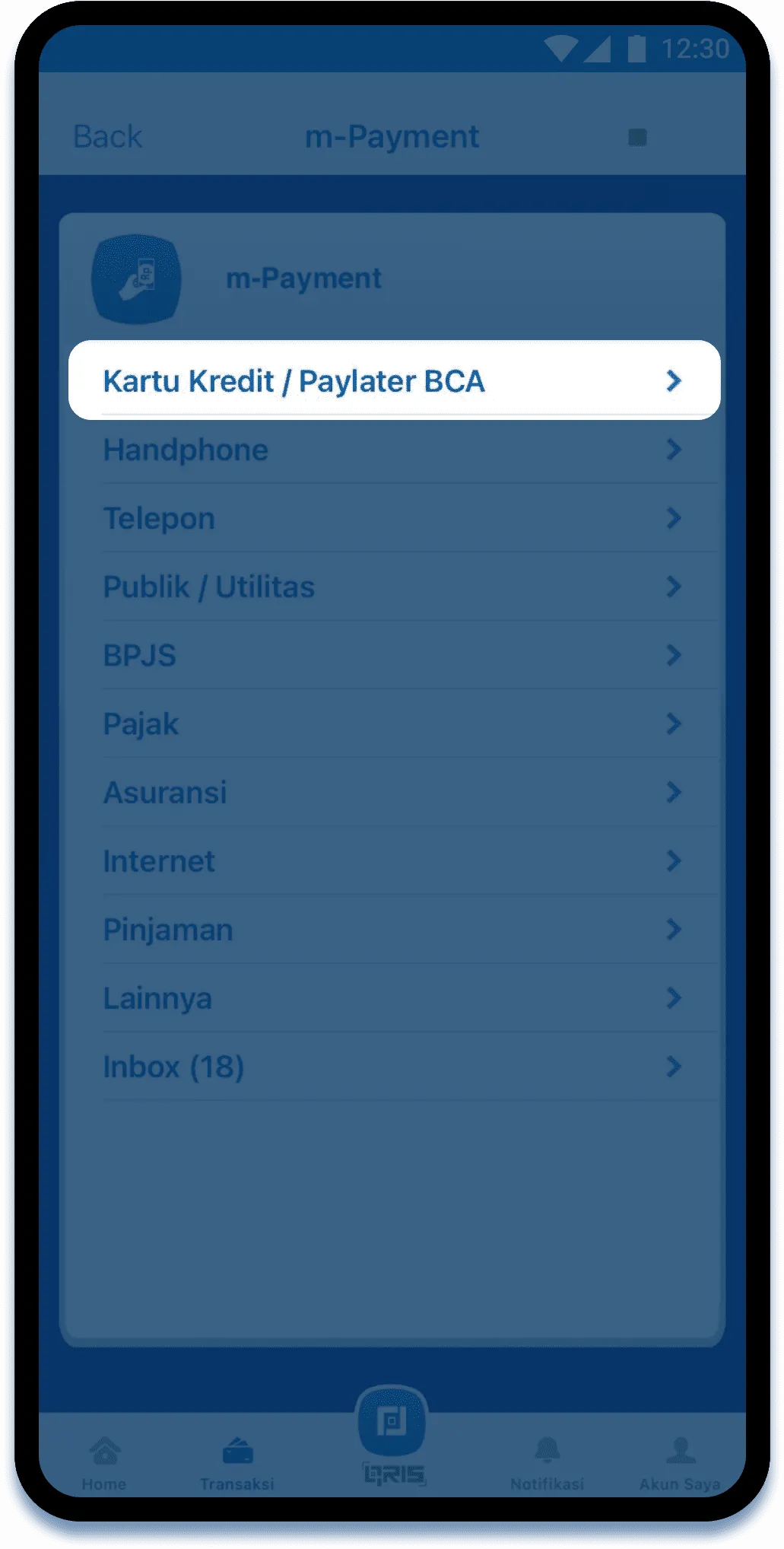
Select Credit Card / BCA Paylater
Step 3/9
Select the bank
Step 4/9
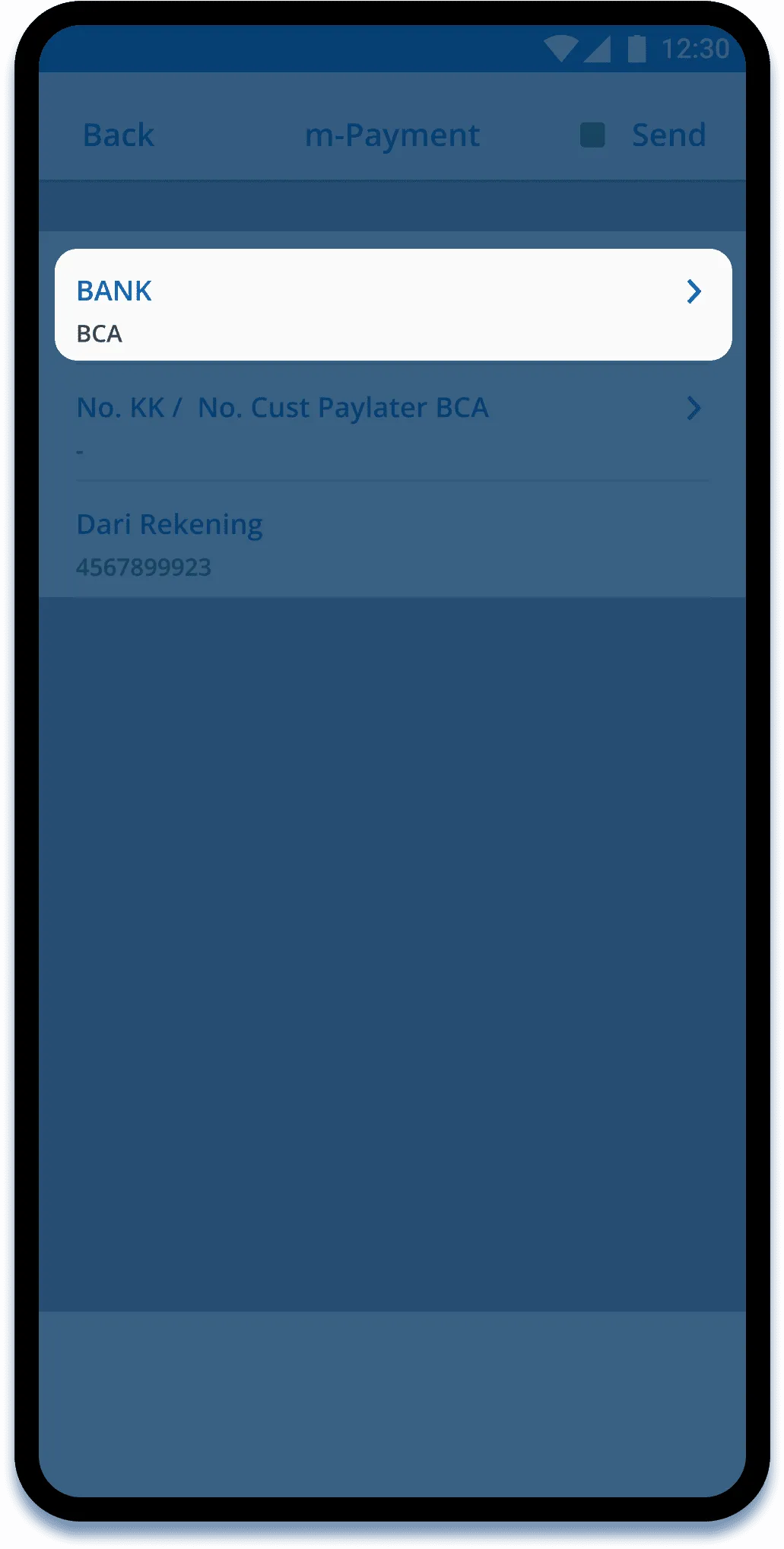
Input BCA Credit Card / Paylater Number
Step 5/9
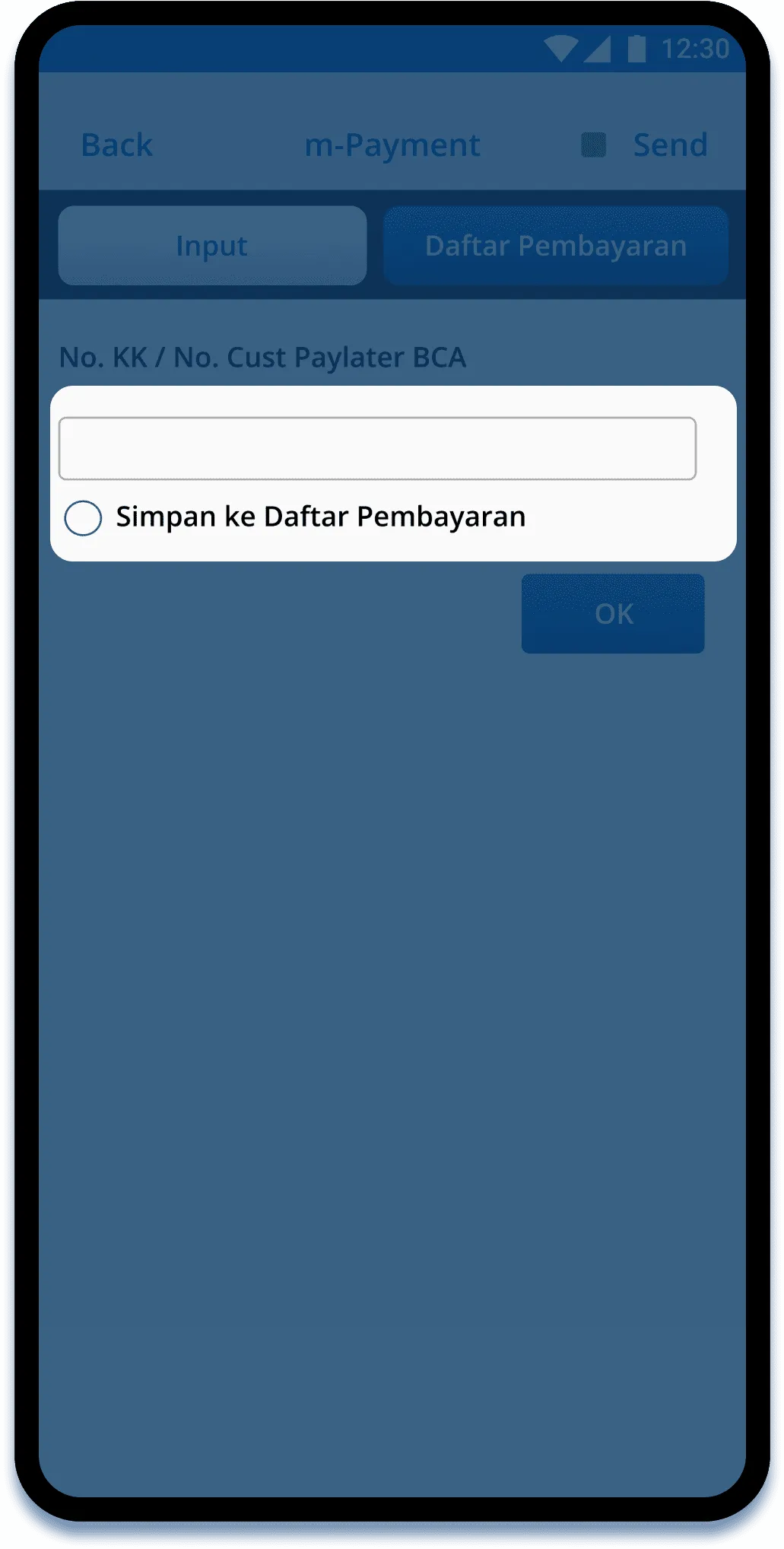
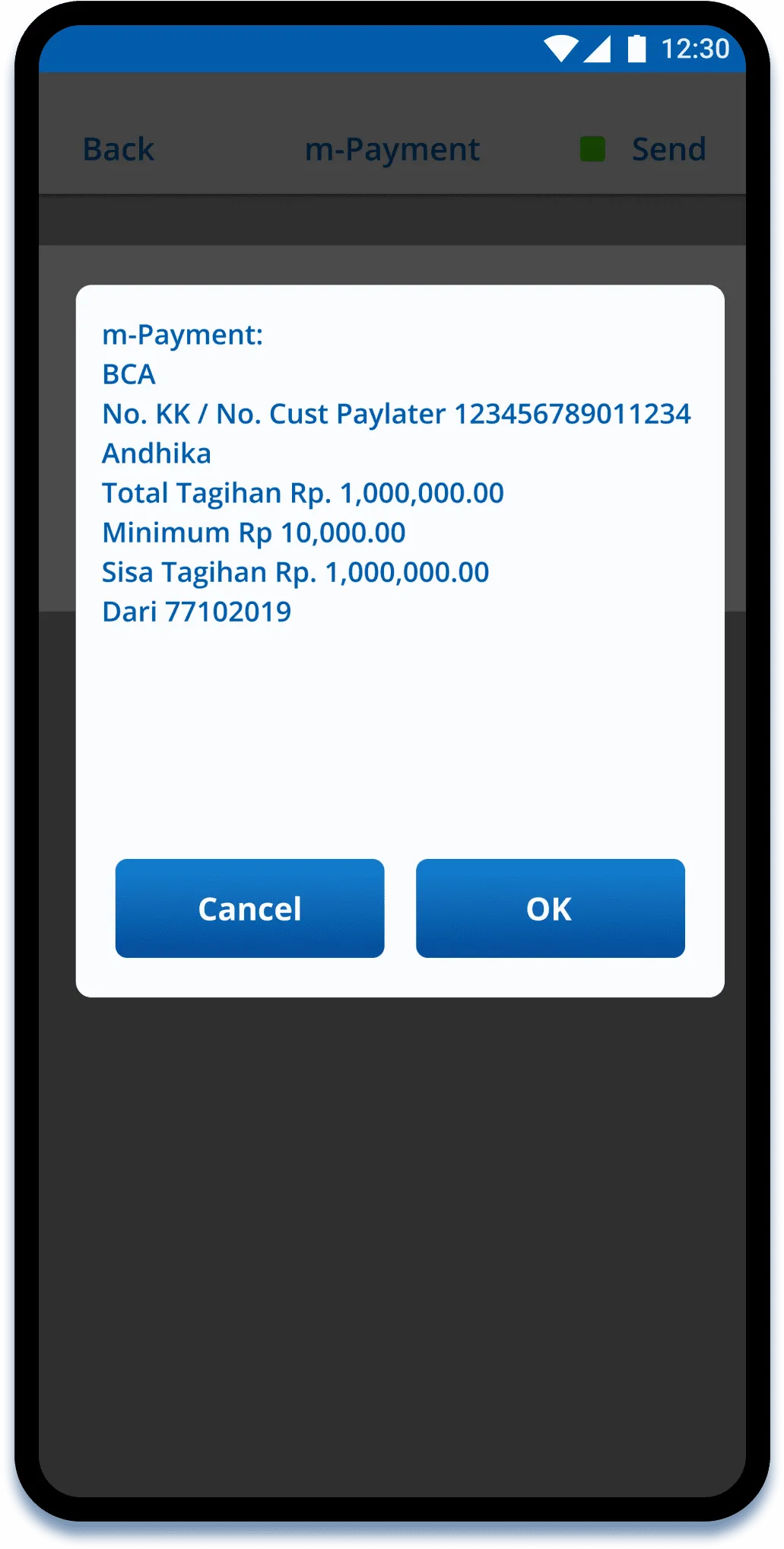
Your BCA Credit Card / Paylater bill will appear
Step 6/9
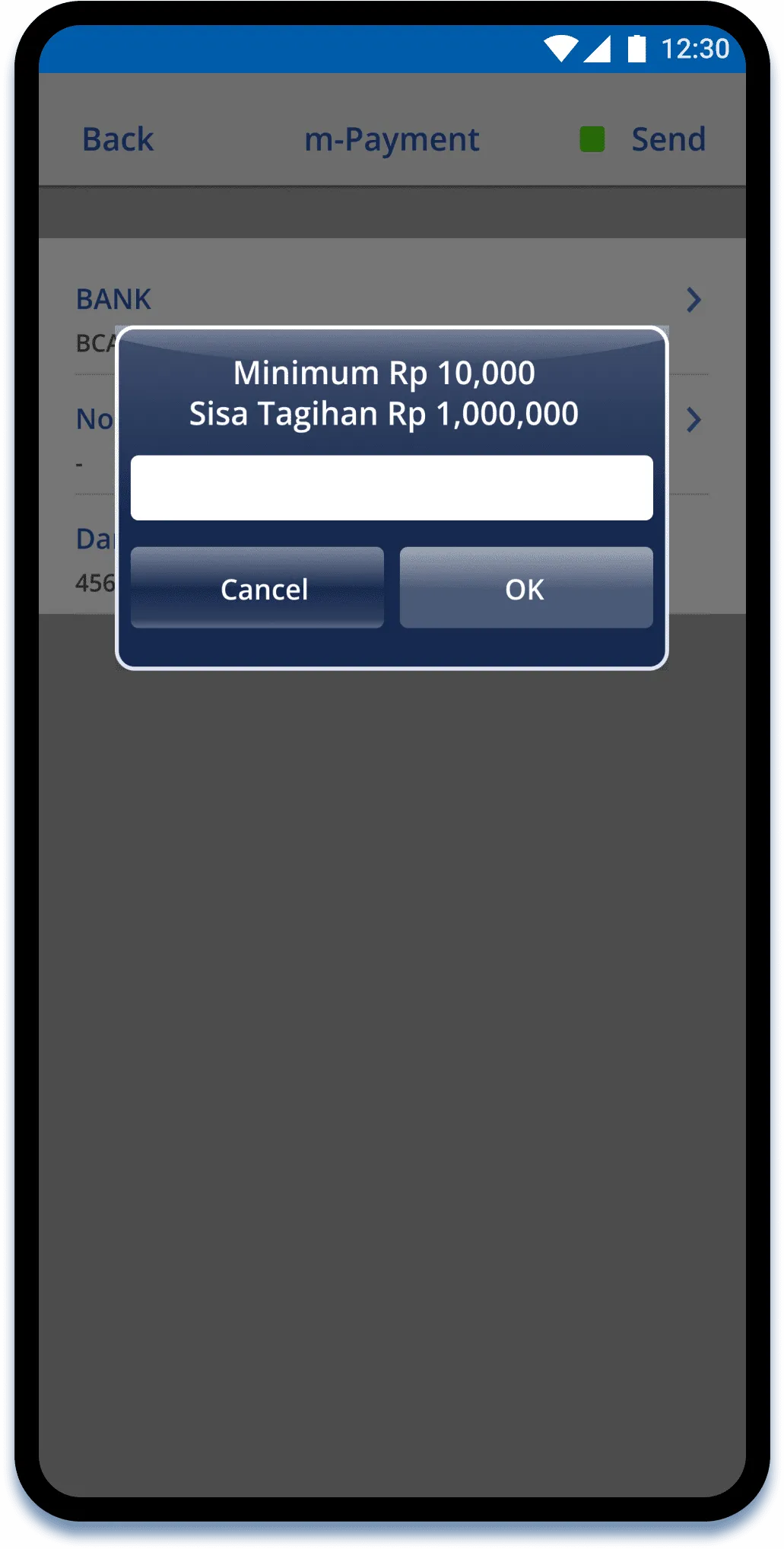
Input the payment amount and click OK
Step 7/9
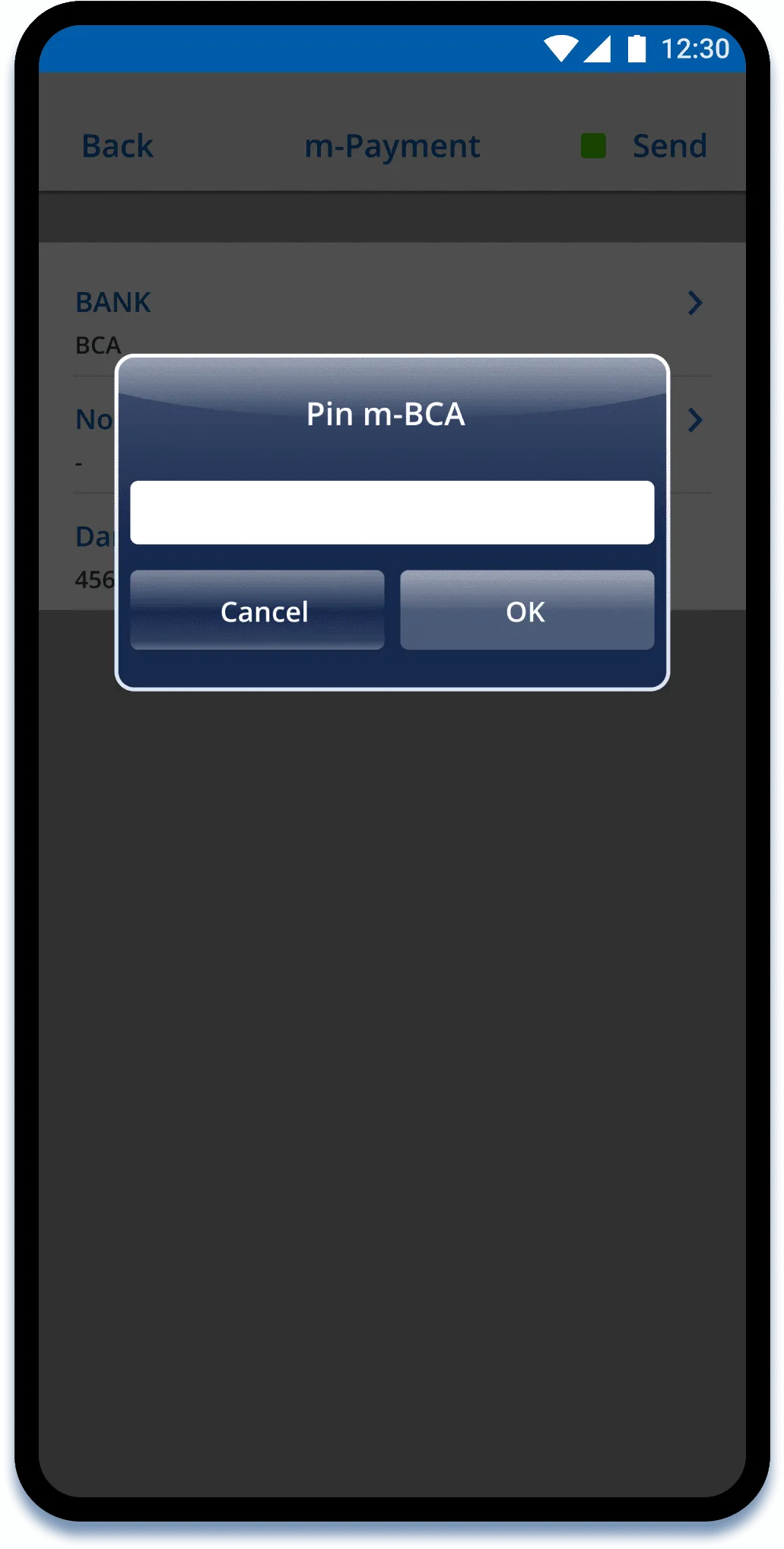
Enter the BCA mobile PIN and click OK
Step 8/9
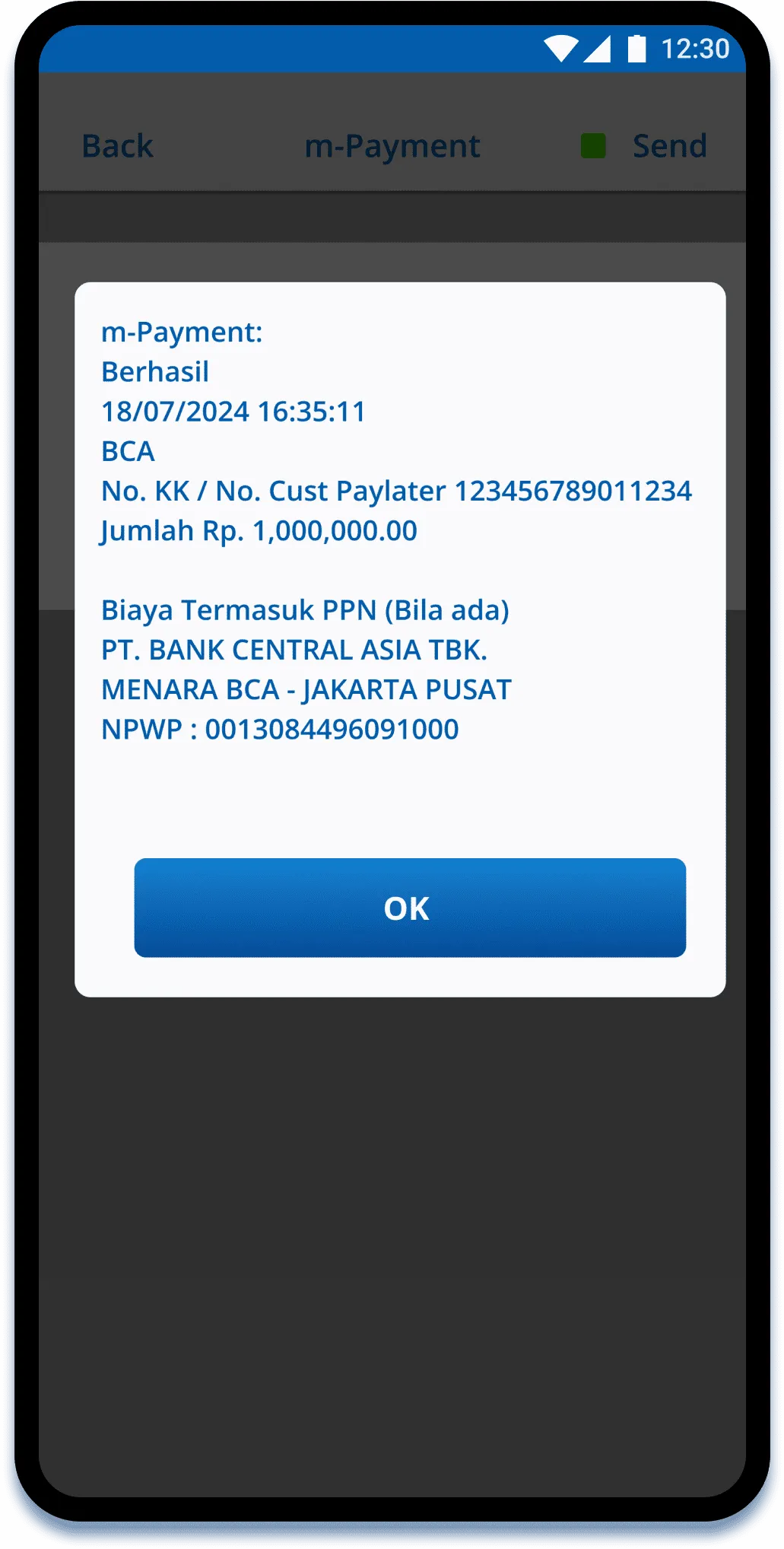
Payment completed
Step 9/9
Step 1/9
Login to your BCA mobile