
BCA mobile Tutorial
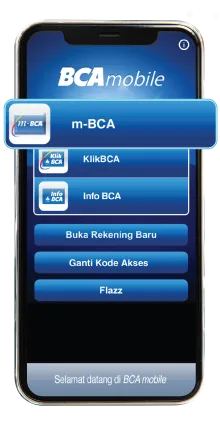
Login to your BCA mobile
Step 1/7
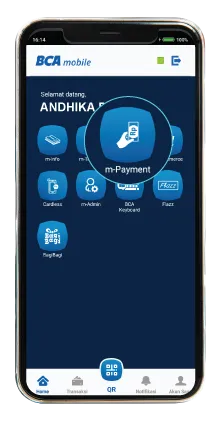
Select "m-Payment"
Step 2/7
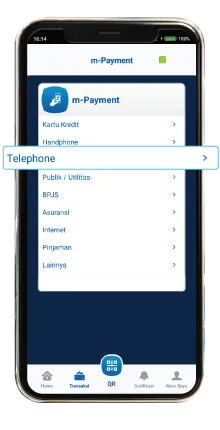
Select “Telephone”
Step 3/7
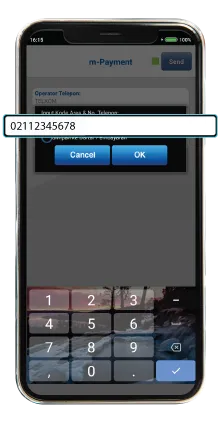
Input Area Code & Telephone number (Subscription number)
Step 4/7
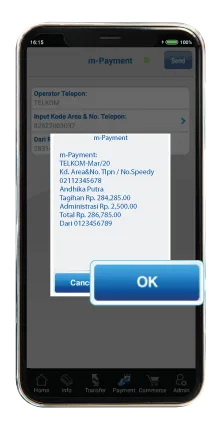
Your bills will appear, check the detail then click OK
Step 5/7
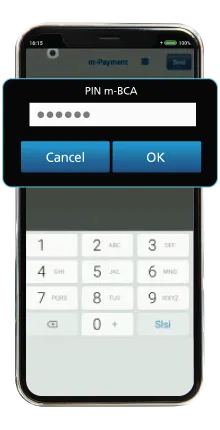
Enter the BCA mobile PIN and click OK
Step 6/7
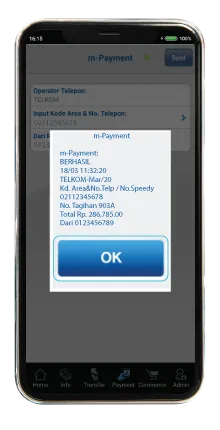
Payment completed
Step 7/7
Step 1/7
Login to your BCA mobile