
BCA mobile Tutorial
Login to your BCA mobile
Step 1/10
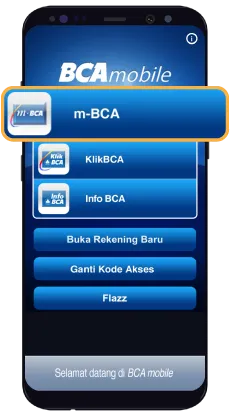
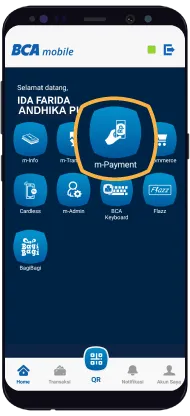
Select "m-Payment"
Step 2/10
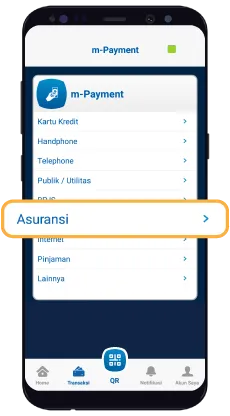
Select "Insurance"
Step 3/10
Select the insurance name
Step 4/10
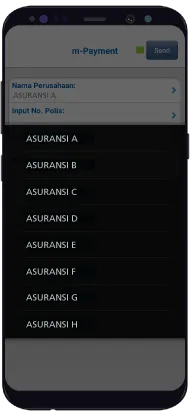
Input policy number
Step 5/10
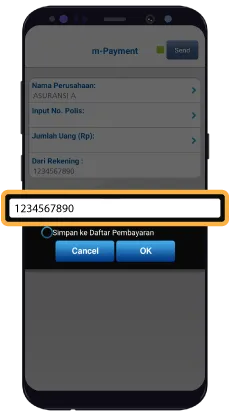
Input the payment amount (Rp)
Step 6/10
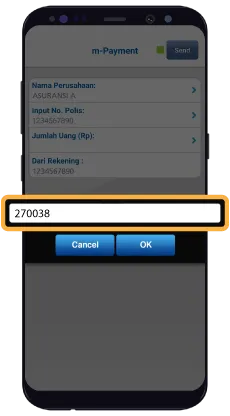
Click Send after all information already filled
Step 7/10
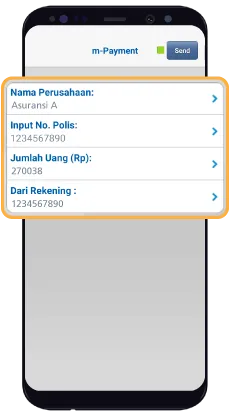
Confirm the payment amount and click “Ok”
Step 8/10
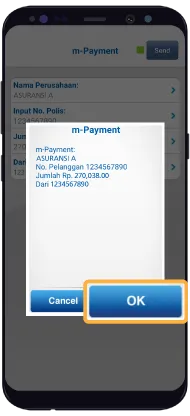
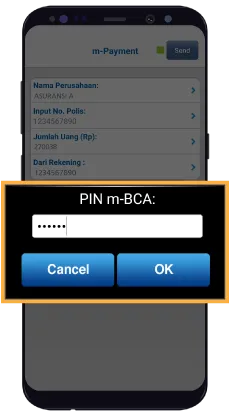
Enter the BCA mobile PIN
Step 9/10
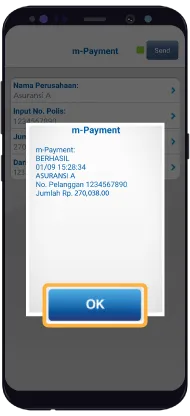
Payment completed
Step 10/10
Step 1/10
Login to your BCA mobile